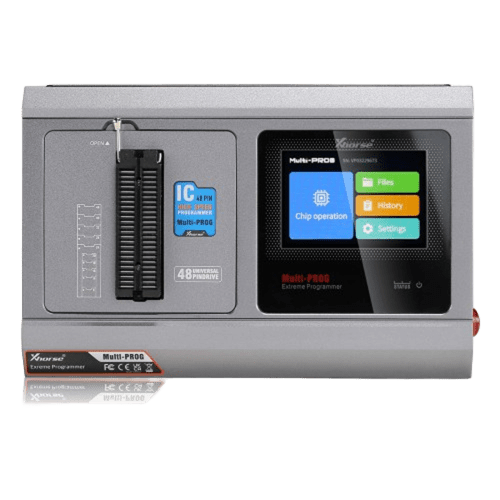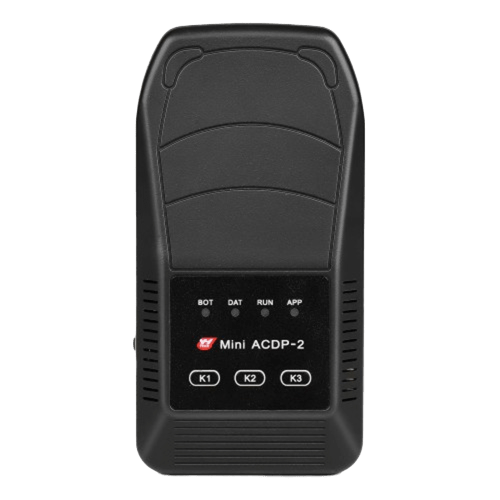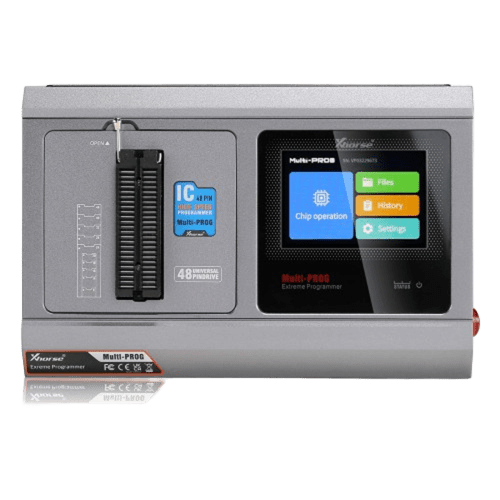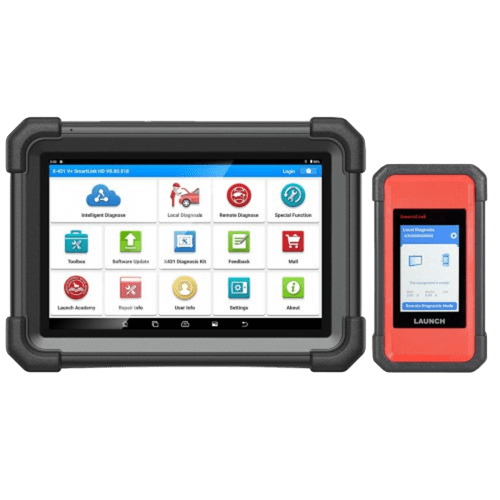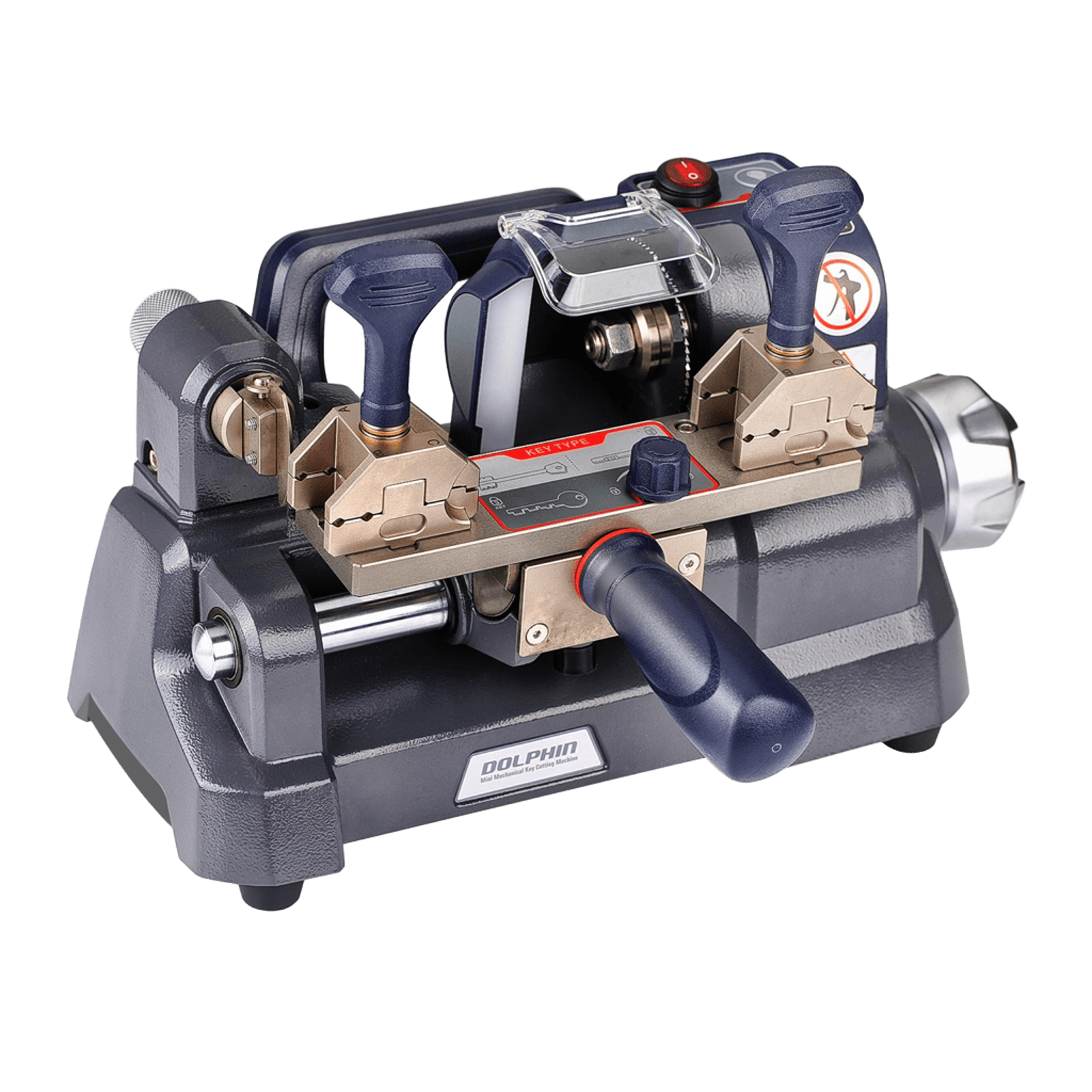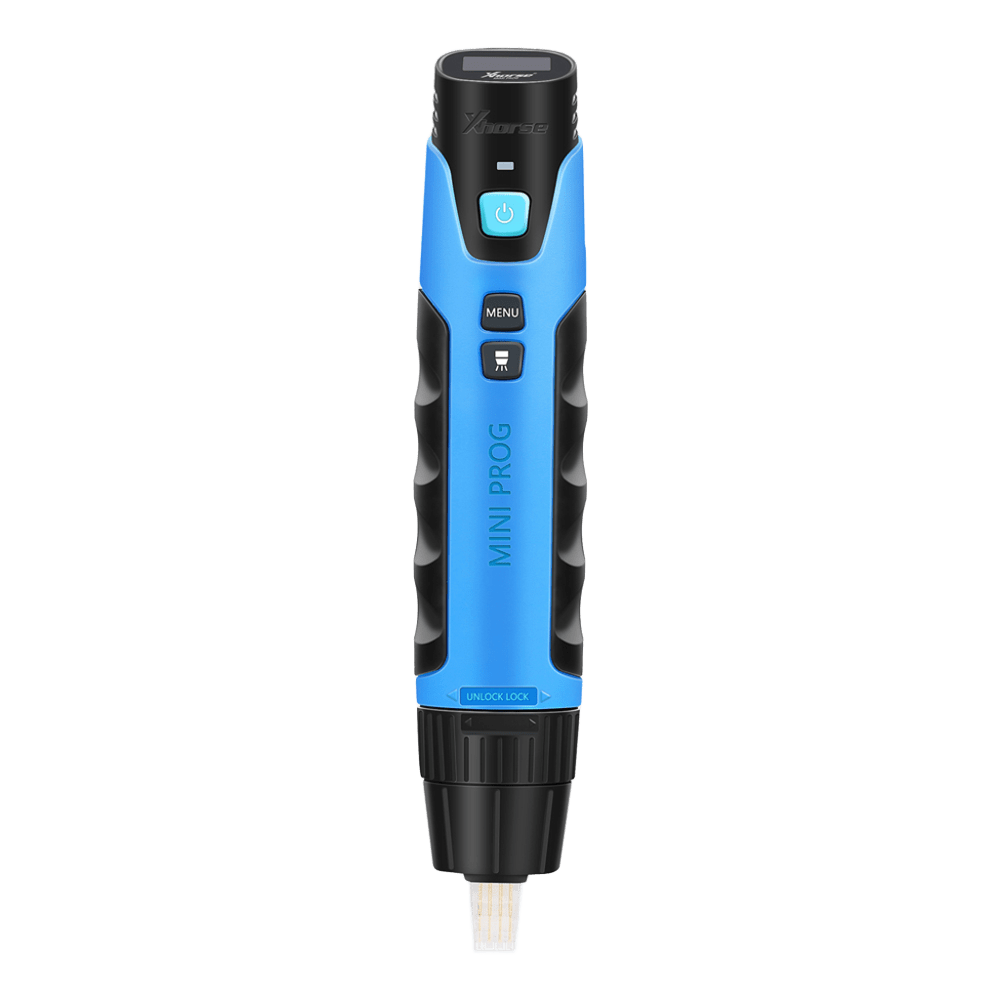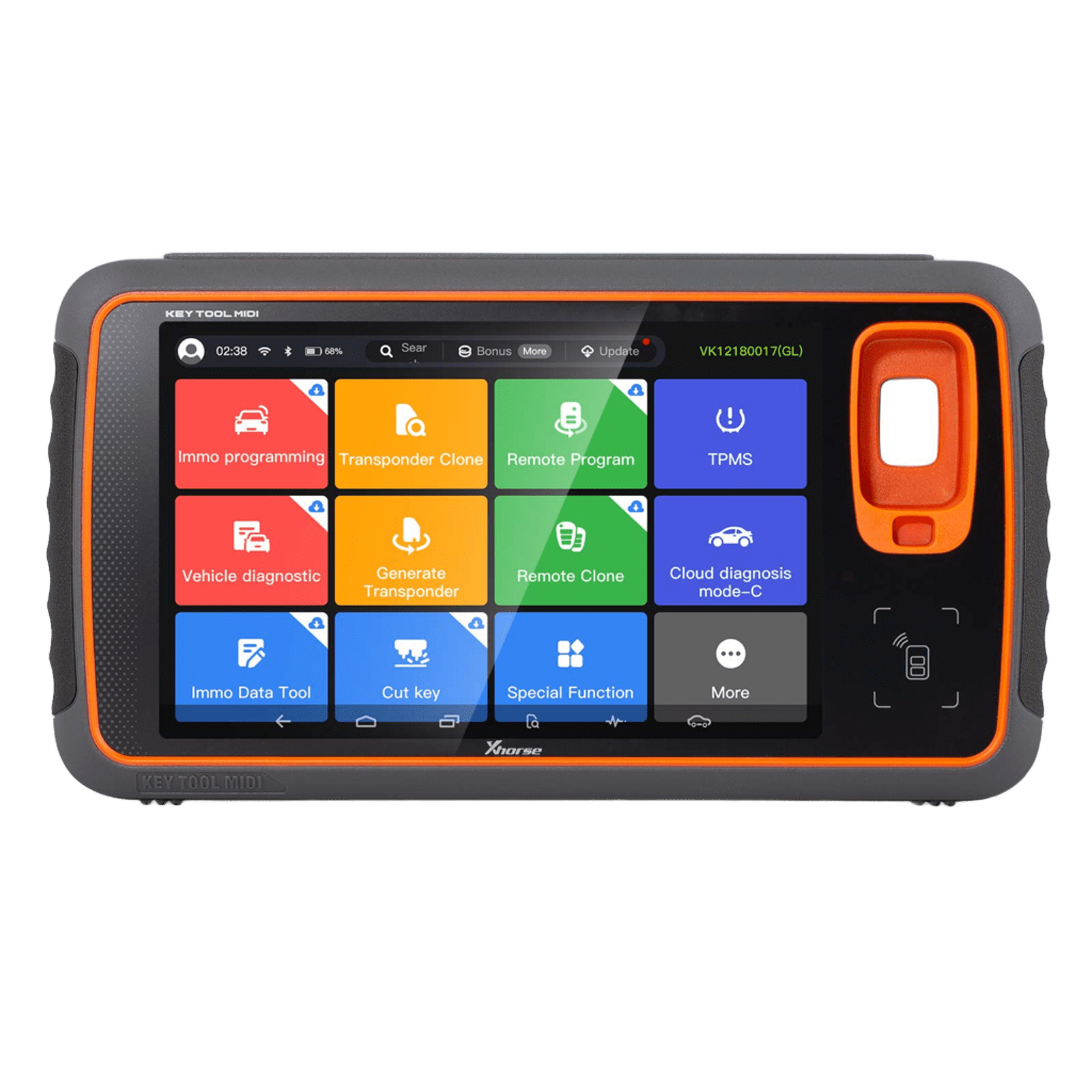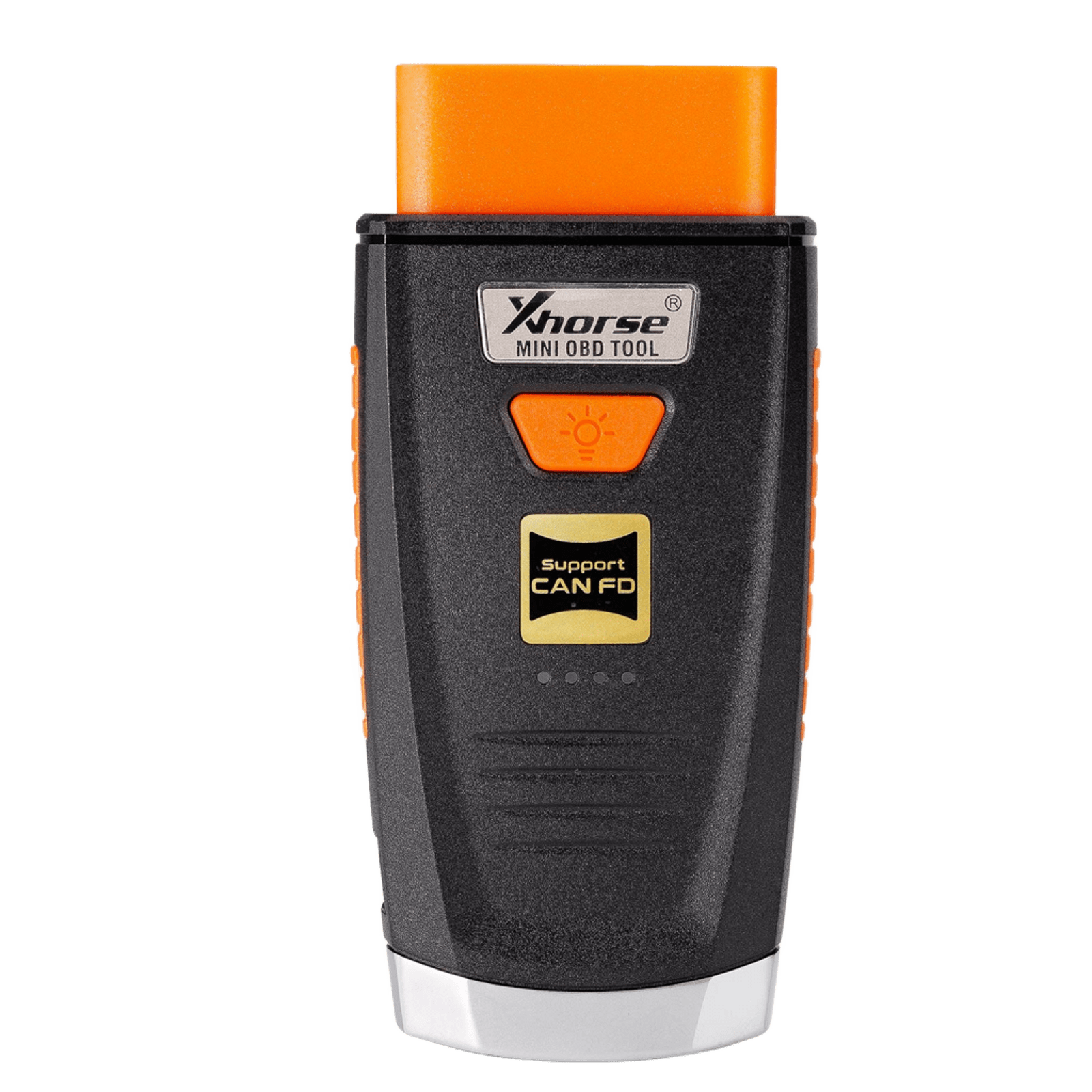
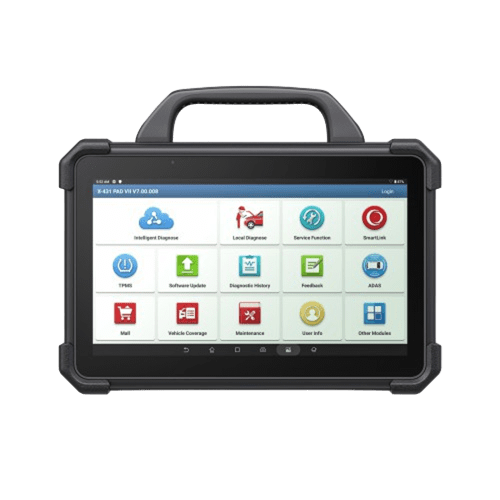
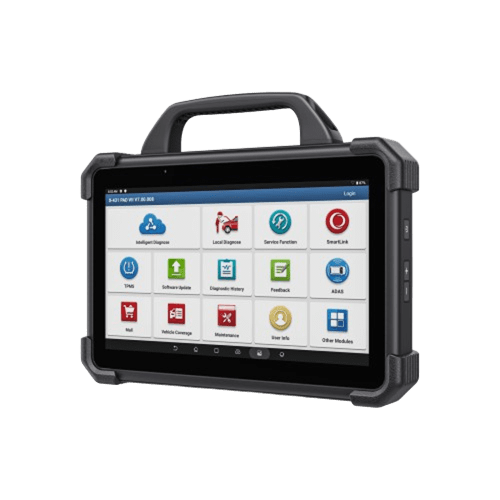
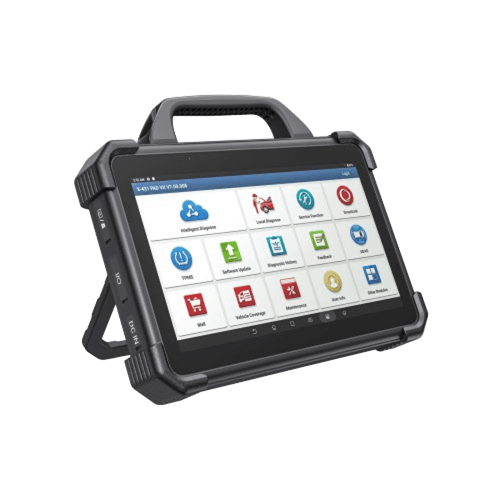
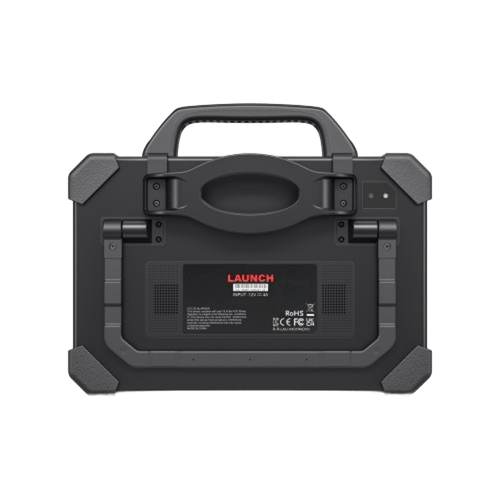
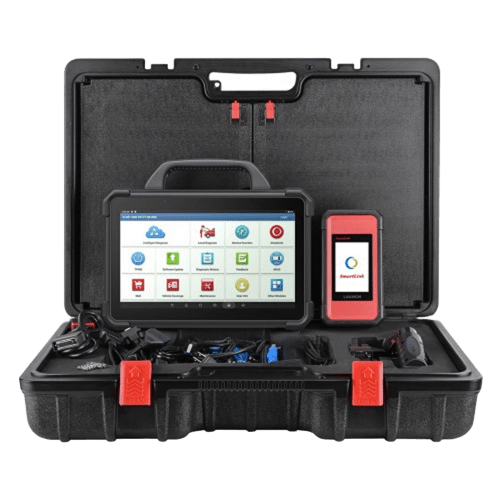
 weight:
14kg
weight:
14kg
 package:
69cm*51cm*23cm
package:
69cm*51cm*23cm
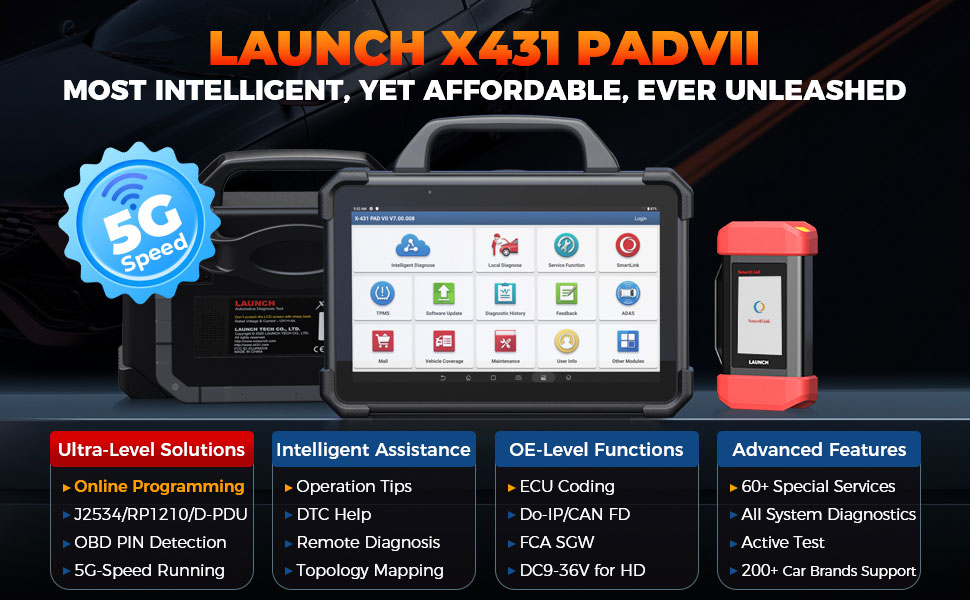
1: 60+ Special Services
2: Online Programming
3: OE-Level Functions
4: Intelligent Assistance
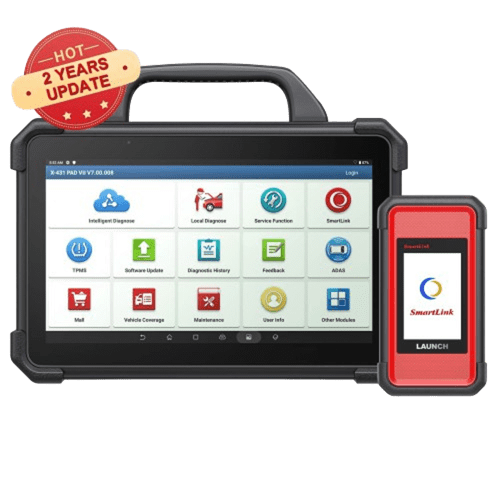
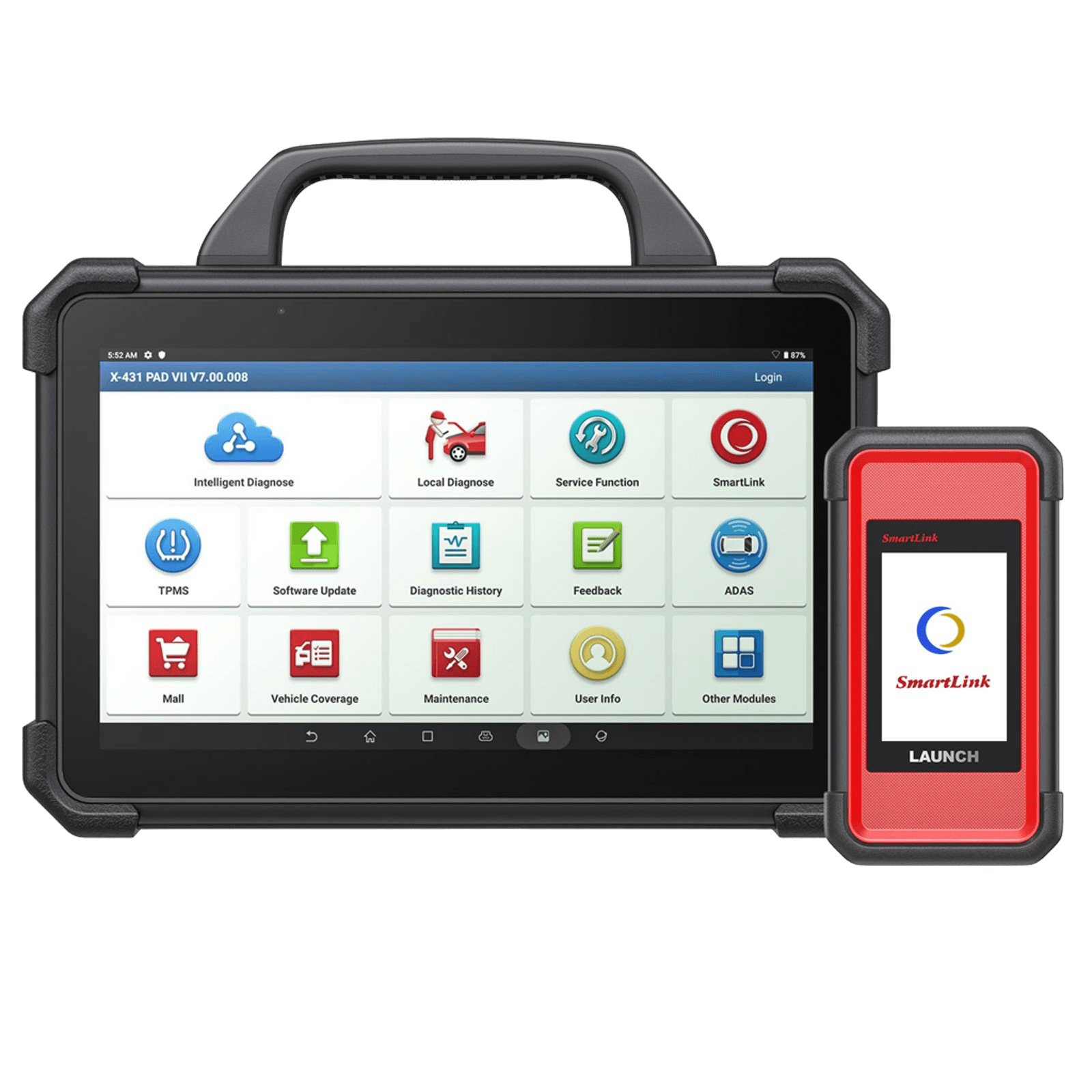
Upgraded on Top of Launch X431 V+/PROS V/X431 PADIII to Rival the OEM Automotive Diagnostic Tools
ECU Programming & Coding: J2534/RP1210/D-PDU/Do-IP/CANFD Diagnostic Protocols
Intelligent Diagnose & Guided Functions, 50+ Services & Topology Map
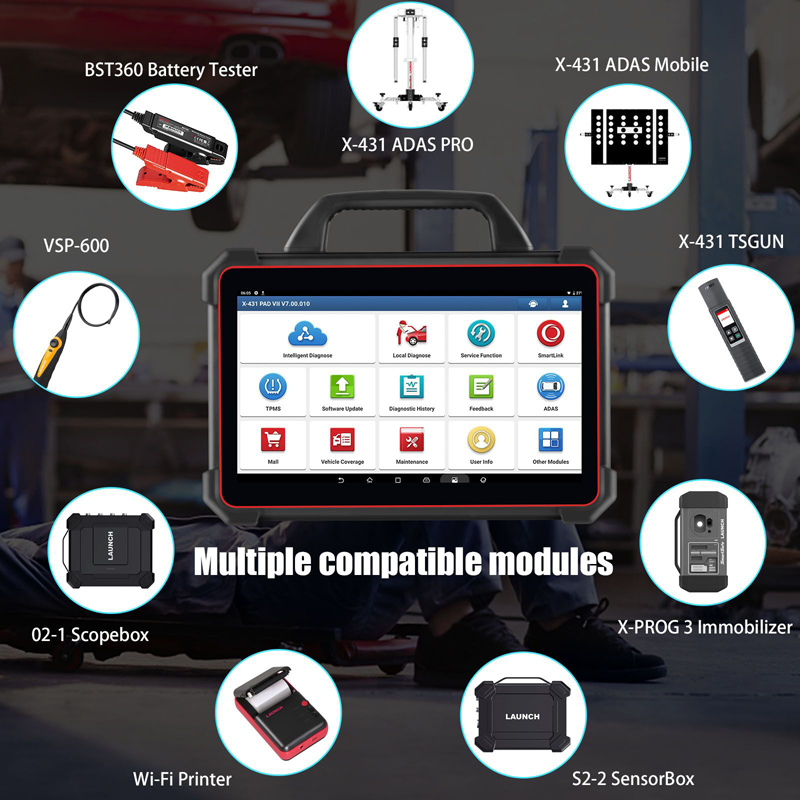
Supports ADAS calibration and eight extended modules such as videoscope, oscilloscope, sensor box, TPMS tools, key immobilizer, and battery tester.
Model: HKSP371
PAD VII Burst Points
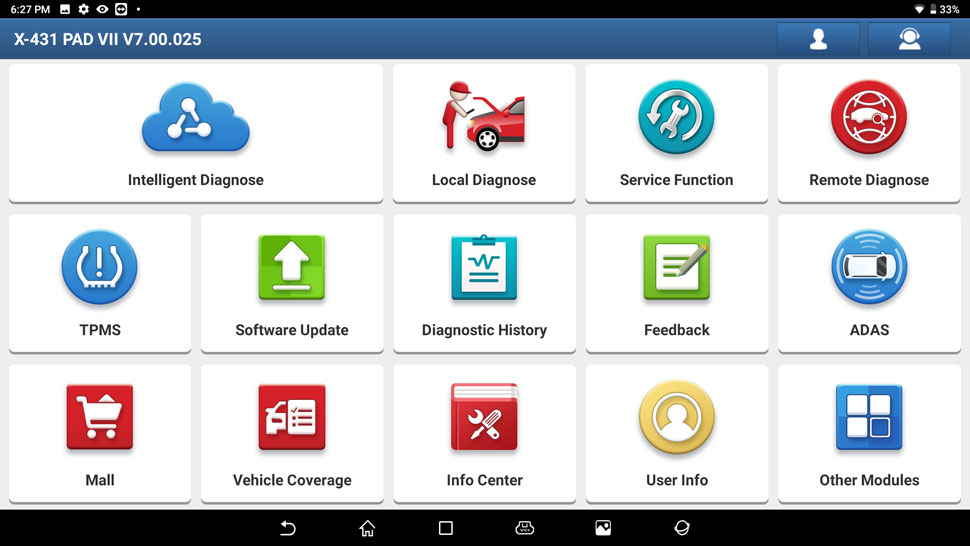
Newly Added Functions:
Note:
The online programming function is no longer available in North America from April 1, 2025.
FCA SGW gateway unlock function is no longer available in North America from August 2025.
Supports Benz, Porsche, Skoda, Seat, Sprinter, Nissan infiniti, Hyundai, Kia, Chery, and Geely online programming till 2023. Part of Renault till 2021, Subaru till
2024, Ford/Mazda till 2019, Audi, VW, BMW, Smart till 2024
The online programming function has not been authorized in Portugal (Autel Ultra is recommended).
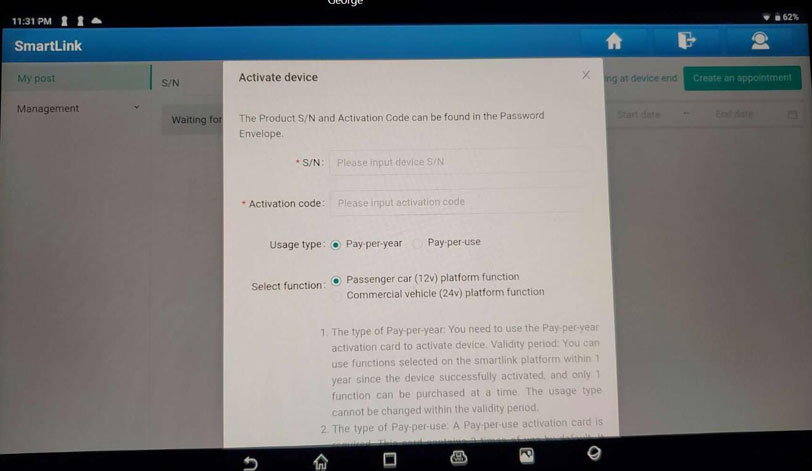
Register device within the App rather than on x431 website, check the registration video.
According to function, Launch tool sequence: X431 PAD7 Elite> PAD5 >PAD3 >PRO5 >X431 V+> PROS V>PROS MIN
X431 PAD VII Elite user manual is in device APP
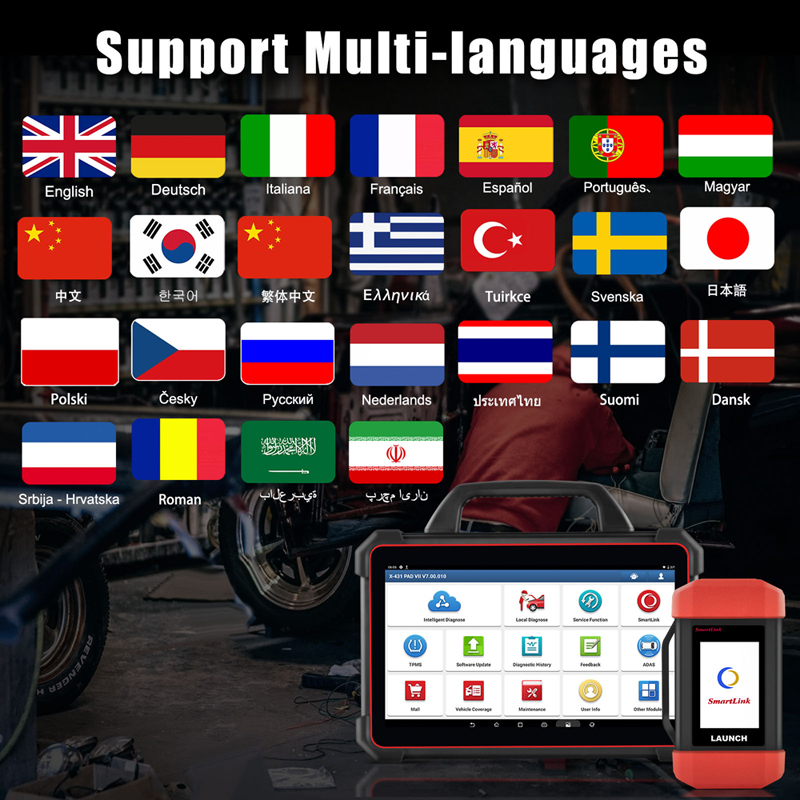
Multi-language: English, German, Italian, French, Spanish, Portuguese, Chinese, Korean, Turkish, Swedish, Japanese, Polish, Czech, Russian, Dutch, Thai, Finnish, Danish, Romanian, Arabic, Persian, Hebrew, Croatian, Greek
Add-on Features:
Support oscillograph, sensor, battery tester, video scope, endoscope, Wi-Fi printer, TSGUN, X-PROG3 Immobilizer, Launch key programmer etc.
This LAUNCH X431 diagnostic tool PAD VII supports 8 extended modules, including:
Need extra costs to buy these 8 extended function modules.
Super Hardware Configuration: Level-Up Configurations: Fast, Accurate, and Results No Delay
ECU Programming of LAUNCH PADⅦ VS. Other -Covering More Programming
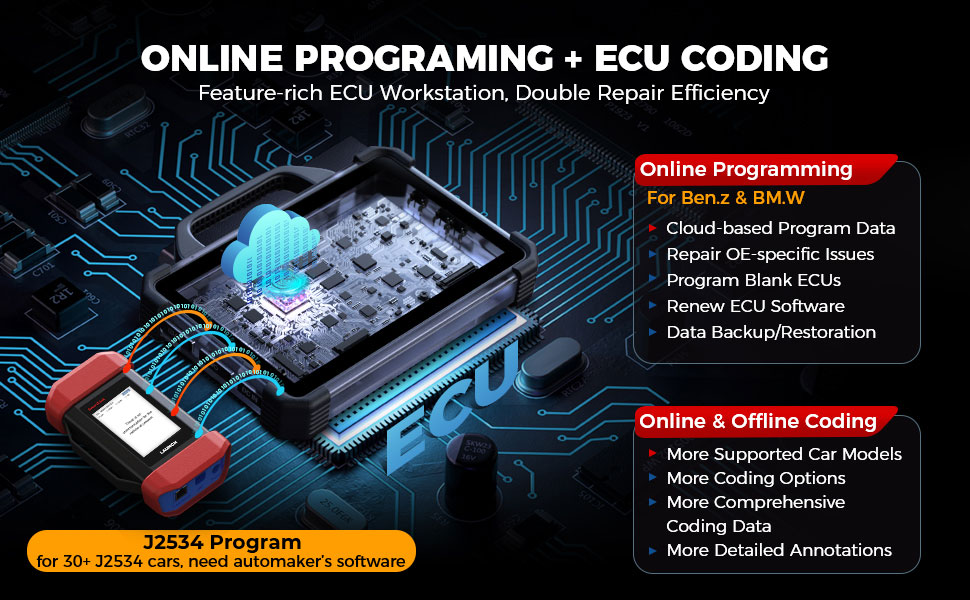
ECU Programming & Coding
Online ECU Programming: For Benz & BMW All Chassis/Series
LAUNCH PAD VII stores the extensive programming data of Ben.z and B.M.W in the cloud server, in case of interrupted access, if your hard drive has issues.
Unlike any regular scan tools on the market, this car diagnostic tool intelligently guides you through each necessary ECU programming procedure to find the solution patch, avoiding unnecessary steps, and all are presented in a user-friendly interface that is easy to learn and navigate.
PAD7 supports built-in online programming for the following brands:
J2534 ECU Programming: For More J2534-Compliant Cars
With the SmartLink C VCI Box serving as J2534-1 & -2 pass-thru device (valued at over 2000 bucks), you can easily expand your ECU programming abilities for over 30 car brands (compatible with For.d, V-W, Audi, Skoda, Seat, Land Rover, Jaguar, Porsche, Renault, etc.). You don’t need to buy separate OE scan tools for each brand. Reminder: message us to get the “J2534 Operating Manual” for more information.
Highlights of LAUNCH PRO5’s ECU Coding
What separates the LAUNCH PAD VII as a high-end diagnostic scanner from most standard OBD2 scan tools is its advanced ECU Coding. It allows you to connect to the car’s ECU system, set up new car modules, and adjust the original car settings.
Reminder: Available coding operations vary by the test vehicle. ONLY the available operations display in the menu.
2023 Newly Upgraded for ECU Programming/Coding
99% Worldwide Cars Coverage: One Tool to Cover Almost All Cars
If you’re working in a busy workshop taking care of different car models daily, you won't be disappointed with this LAUNCH scanner. It works with as many vehicles and car manufacturer companies as possible.
Reminder: This LAUNCH scanner comes with a built-in vehicle compatibility checking module to help you quickly determine if a certain vehicle model is supported. You can also log in to the LAUNCH website to check.
Purchase the European SGW Function license in Mall to unlock FCA, Renault and Benz security gateway. Including:

Active Test / Bidirectional Control
LAUNCH X431 PAD VII ELITE performs the active test, which bypasses the onboard control systems to send commands to modules to perform specific tests. By monitoring their responses, you can precisely locate the faults and shorten the troubleshooting time without tearing the vehicle apart. It can:
99% Daily Maintenances: 60+ Basics & Advanced Special Services Included
To save the hassle of searching for the most used services in car software, PAD VII thoughtfully integrates the hottest services into the independent “Special Function” module to serve necessary resets/relearns for 99% car models on the road, which include:
41+ Advanced Maintenance Services:
Cover the majority of makes and models worldwide up to 2019/2020/2022 for Oil Reset, Injector Coding, Brake Reset, SAS Reset, BMS Service, ABS Bleeding, Throttle Matching, TPMS Reset, Gear Learning, AFS Reset, Gearbox, Sunroof, SUS Reset, Windows Calibration, Seats Calibration, Language Change, A/F Reset, Coolant Bleed, Transport Mode, Adblue Reset, NOx Sensor Reset NOx, Stop/Start Reset, Headlamp Fitting, Seat Matching, Door & Window Initialization Study, Air Suspension Matching, Multimedia Video Reset, Cluster Reset, Immobilizer Service, Tire Change, and more.

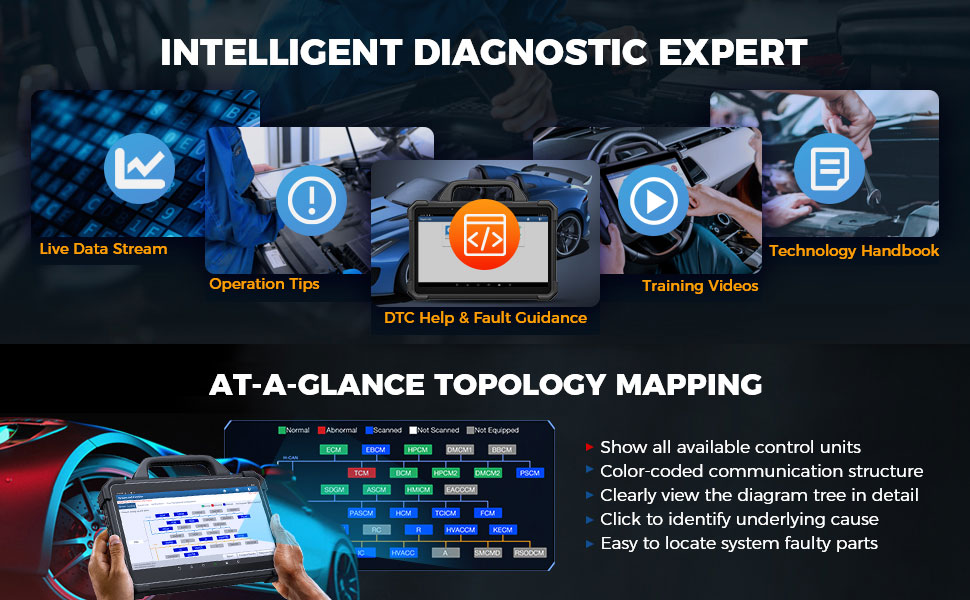
Your Intelligent Diagnostic Expert: Experience 200% Greater Efficiency
You can expect the LAUNCH X431 PADVII to provide you with extensive knowledge every time you use it. It offers over 10,000GB of a repair database, covering more than 1,600 vehicle models. This is a tremendous aid for those who want expert assistance in fixing car issues:
At-A-Glance Topology Mapping: See More, Operate Less
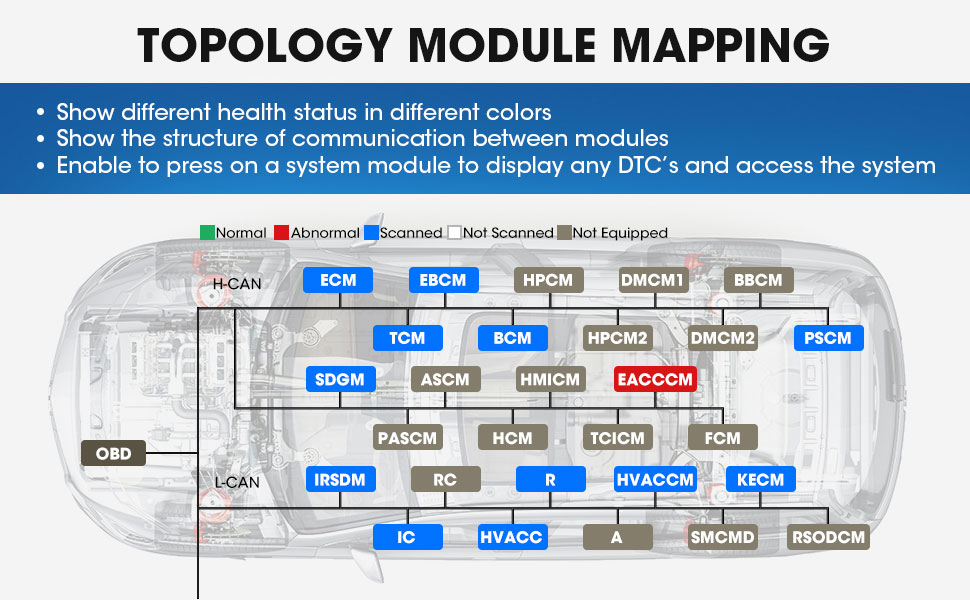
If you have a busy garage with multiple cars awaiting repairs, topology mapping is essential. LAUNCH PAD VII can quickly display faults in a color-coded format, allowing you to locate the issue within minutes. Just click on a module to identify the underlying cause:
Why is the LAUNCH X431 PAD VII scan tool more powerful than other diagnostic tools?
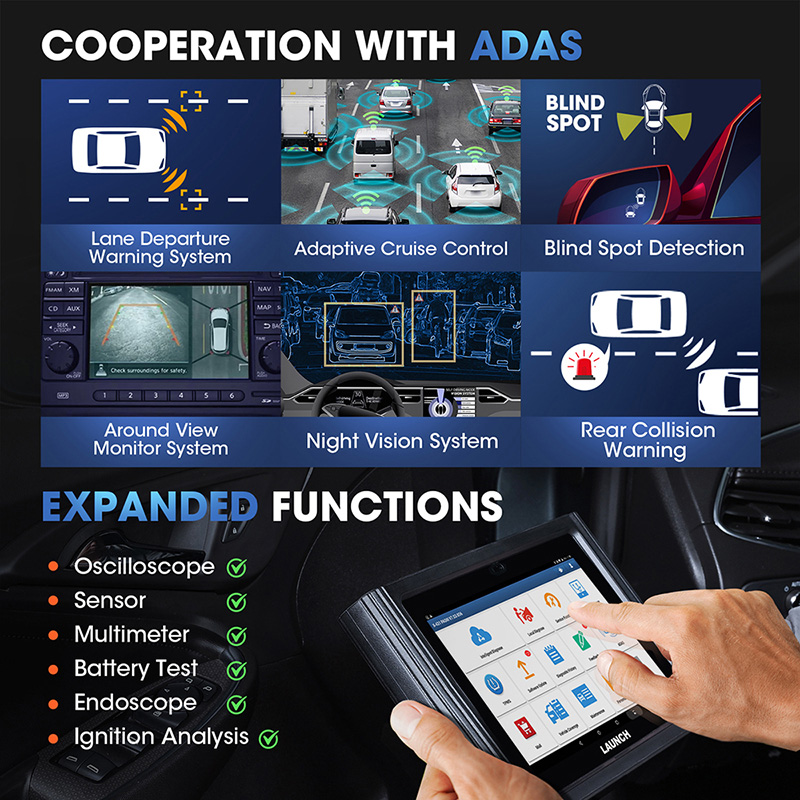
Accurate ADAS Calibration functions
Advanced Driver Assistance System (ADAS) is an electronic component in a vehicle, including various safety functions of the vehicle, such as automatic emergency braking (AEB), lane departure warning (LDW), lane keeping assist, blind spot elimination, night vision camera, and adaptive lighting. (NOTE: Need to be purchased separately)
Revolutionary Topology Module Mapping
Check the DTCs and all systems communication status visually by the topology module mapping function.
Topology Mapping Vehicle List:
America:
Chrysler, Jeep, Dodge, GMC, Buick, Chevrolet, Cadillac, Ford, Lincoln
Aisa:
Suzuki, Mazda, Toyota, Lexus, Honda, Acura, Nissan, Infiniti, Nissan GTR, Mitsubishi, Subaru, Hyundai, Kia, Ssangyong
Europe:
Skoda, Seat, Volvo, Land Rover, Jaguar, Renault, Dacia, Porsche, Peugeot, Citroen, Benz, Maybach, Sprinter, Smart, Opel, Abarth, Lancia, Alfa Romeo, Maserati, Ferrari, Aston Martin, BMW, Mini, Rolls Royce, VW, Bentley, Bugatti, Lamborghini, MAN TGE, Audi
China:
Trumpchi, Chevy, Geely, Lynk & Co, etc
Bonus Functions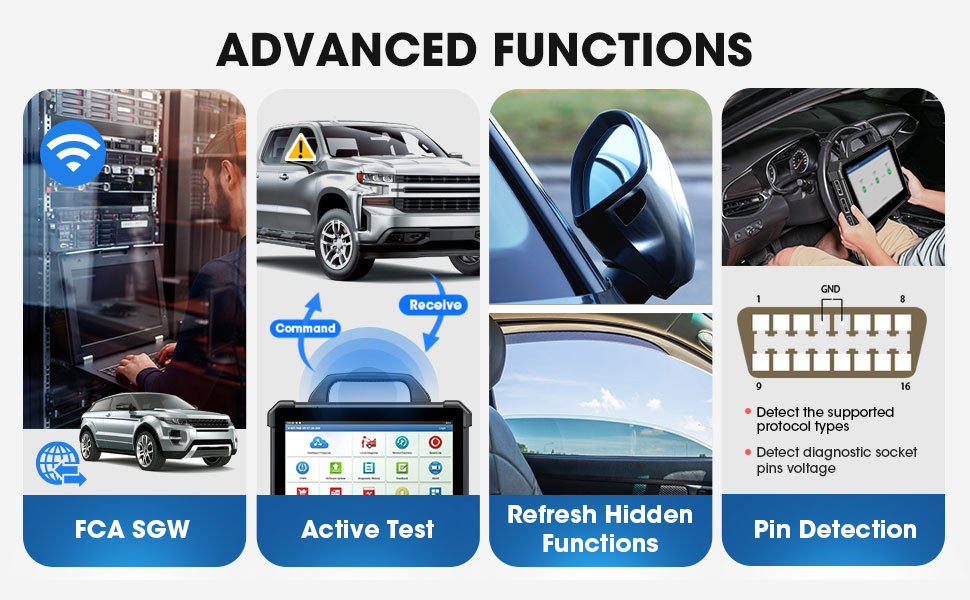
CAN BUS Pin Detection
This module allows you to detect the voltage of the vehicle OBD II diagnostic socket pins and the supported protocol types to help technicians judge the OBD II diagnostic interface.
One more function of the powerful launch pad7, check the network can work without problem.
Note: Before performing this function, please make sure that SmartLink C is properly connected to the vehicle’s DLC port
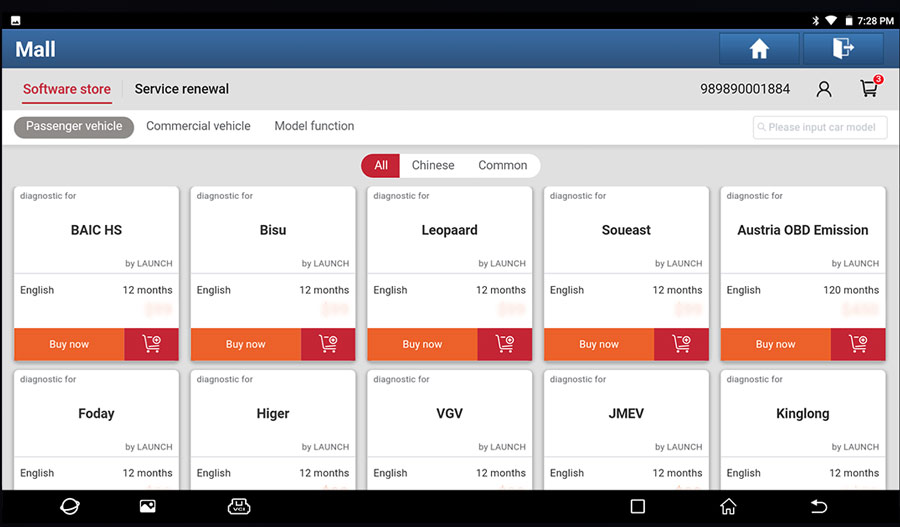
MALL
A new module ‘MALL’ is now available for all users to expand and upgrade their X-431 PAD VII with more diagnostic software.
Heavy-Duty Vehicles (Optional):
Compatible with Nissan (Diesel)/ Mitsubishi (Diesel)/ USA Ford Diesel, Kenworth/ Astra, Benz Heavy Duty, Bosch Diesel, China Heavy Duty, Cummins Heavy Duty, DAF, Delphi Diesel/ Denso Diesel, FAW Liberation, Foton Auman, FUSO, Hino, Hyundai Heavy Duty, Isuzu Heavy Duty/ Iveco Heavy Duty, JAC Heavy Duty, Mack, MAN ….
Need to make a purchase of the heavy-duty vehicle diagnostics software you need.
Smart Link C Box
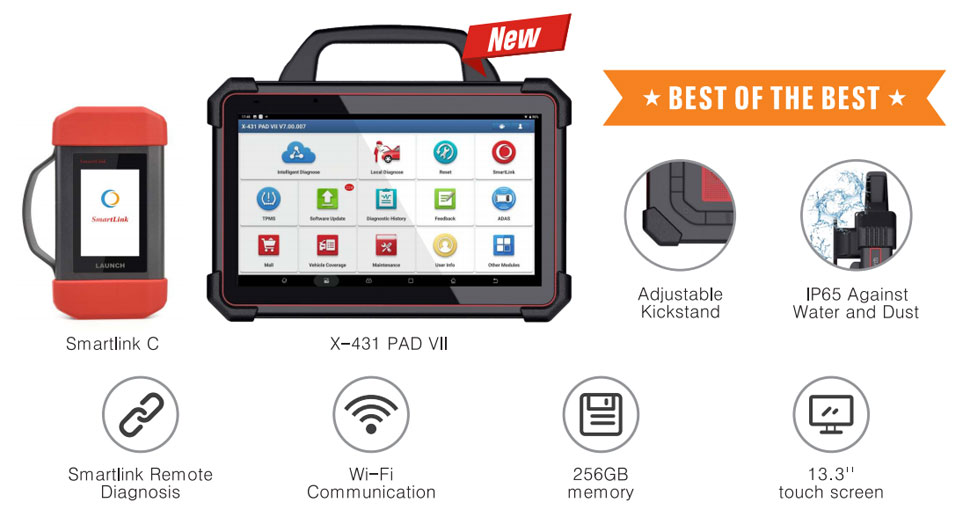
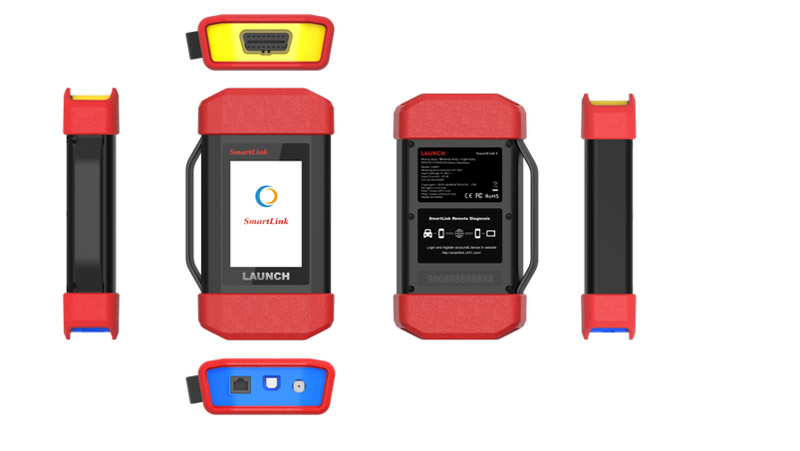
Smartlink C is a new generation intelligent diagnostic box with Linux system independently developed by Launch, which supports multiple communication modes (USB, BT, WIFI) and multiple diagnostic protocols. It can be used alone as a remote diagnosis box for SmartLink remote diagnosis, or as a pass-through tool to connect with OEM software.
* Support D-PDU / J2534 / RP1210 diagnostic standard, and cover passenger cars and commercial vehicles at the same time
* Support the latest diagnosis protocol of CAN/DOIP / CAN FD
* Support 2.4G/5G dual band
* Support online upgrade
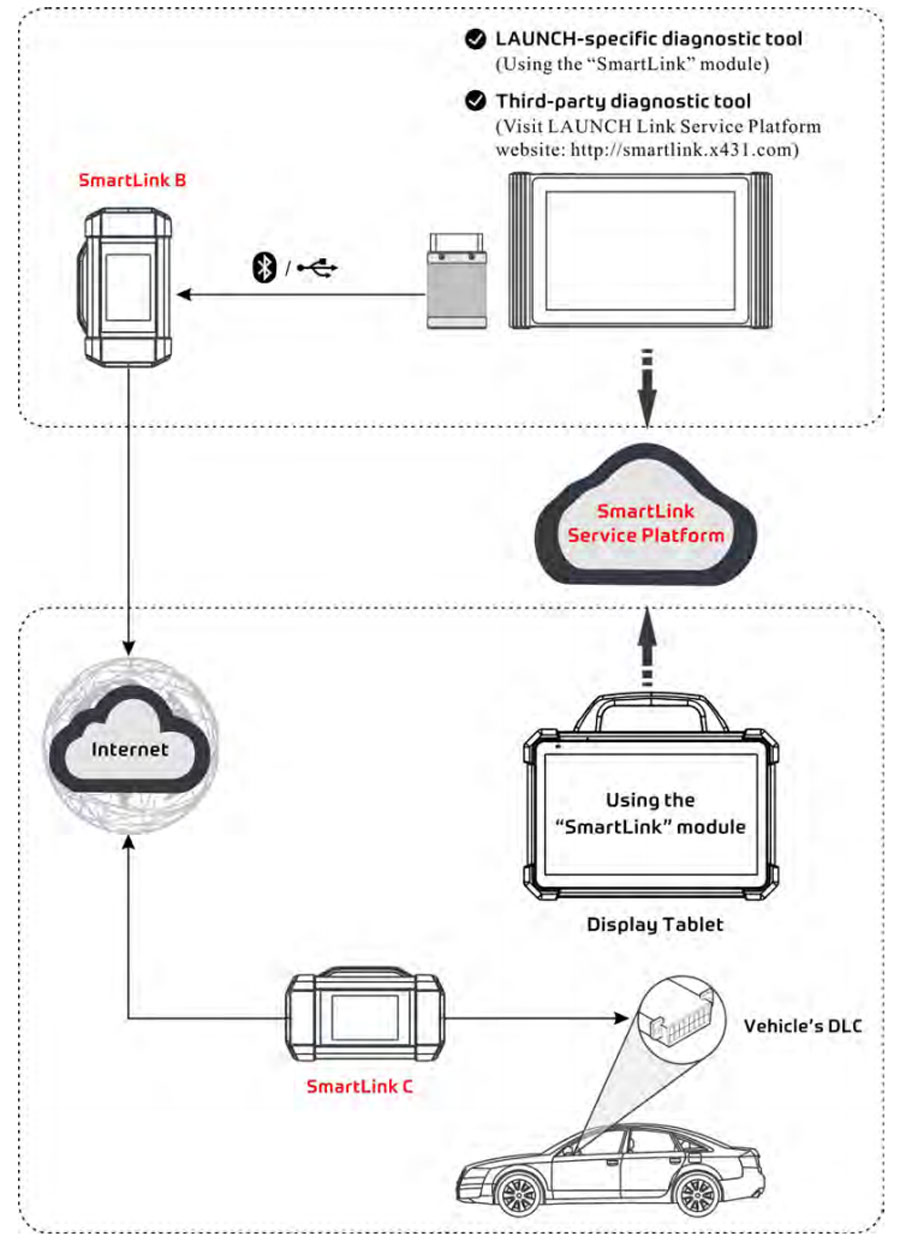
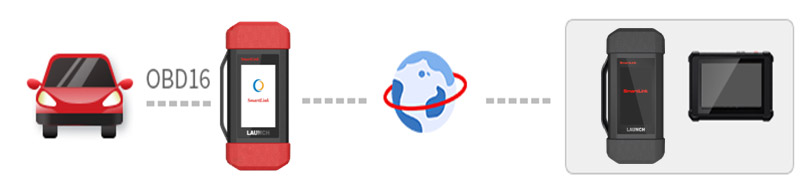
In the SmartLink ecology system, if a technician (SmartLink C) does not have time to puzzle through a touch vehicle problem, he can seek a trusted second opinion or additional expertise on various vehicle issues from remote master technicians or repair shops (SmartLink B). SmartLink B enables the shop owner to greatly increase customer retention and boost shop revenue by providing professional technical assistance service.
It mainly consists of the following parts:
Software Coverage:
Passenger vehicles:
1. Australian: Australia Holden, Australia Ford
2. Asian: Toyota, Lexus, Honda/Acura, Mazda, Subaru, Nissan, Infiniti, Mitsubishi, Hyundai, Isuzu, Daihatsu, KIA, Daewoo, Suzuki, Proton, Tata, Mahindra, Ssangyong, Perodua, Maruti
3. European: Audi, Mercedes Maybach, BMW MINI Rolls Royce, VW Bentley Bugatti, Opel Vauxhall, Peugeot, Citroen, Volvo, Sprinter, Renault Dacia, Fiat Romeo Abarth Lancia, Rover, Landrover, Saab, Seat, Skoda, Smart, Maserati, Ferrari, Aston Martin, Porsche, Jaguar
4. USA: USA Ford/Lincoln, GM, Buick, Cadillac, Chevrolet, Chrysler, Dodge, Jeep
5. Chinese: Changcheng (Great Wall), Geely, Qirui_TY(Cherry), Futian, Changan, Changhe, Haifei … etc.
6. Indian Makers: TATA, Maruti, Mahindra
7. More supported Makers: Ssangyong, GMSA, GAZ, GM Brazil, Brazil Fiat
Launch X431 PAD III vs X431 PAD V vs. X431 PAD VII
Heavy Duty Vehicles Diagnosis (Optional, software can be purchased in 'Mall'):
Software Coverage-Powerful special functions:
Component Replacement, Cylinder Compression Test, Injector Cut Out Test, DPF Regeneration
Communicates with ABS & Transmissions from Bendix, Wabco and Allison
Tech to Tech remote communication function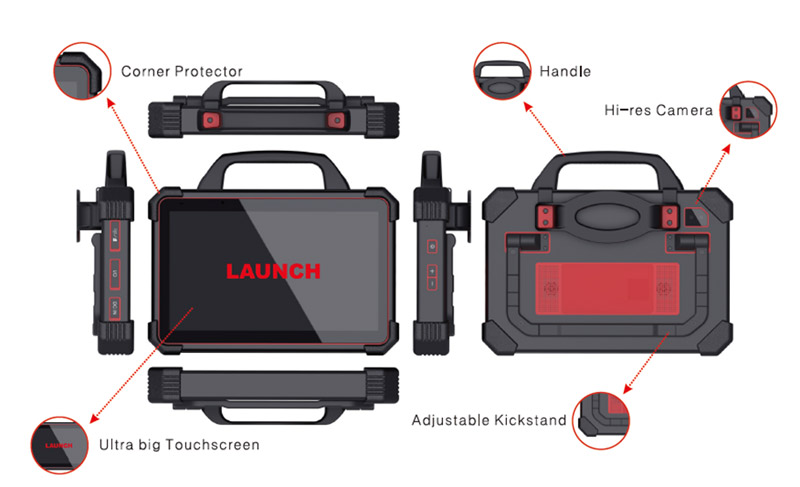
LAUNCH X431 PAD VII PAD7 TABLET SPECIFICATION | ||||
Operation System |
Android 9.0 |
|||
CPU |
2.0GHz Octa cores |
|||
Memory |
8GB RAM & 256GB |
|||
Display |
13.3 inch capacitive screen,1920*1080 |
|||
Connectivity |
Bluetooth/Wi-Fi |
|||
Camera(rear) |
Front 8mp, Rear 13mp |
|||
Interface |
DC IN/Micro USB/USB 2.0 Type A/RJ45/HIMI |
|||
Power Consumption |
≤ 2W |
|||
Test Voltage |
DC 9~18V |
|||
Working Temp |
0℃~50℃ |
|||
Dimensions(W*H*D) |
353x236x71(mm) |
|||
Smartlink | ||||
Display |
3.5' touch screen 320*480 |
|||
Memory |
256M |
|||
Storage |
8GB |
|||
Diagnostic Communication |
WiFi & BT & USB |
|||
SmartLink C Parameter:
| Item | Description |
| OS | Linux |
| CPU | Cortex A7+ Cortex M7 |
| Memory | 256M |
| Storage | 8G |
| WiFi | Dual 2.4 & 5GHx |
| Working voltage | DC 9V ~ 36V |
| Size | 204mm x 110mm x 45mm |
| Typical power consumption | ≤ 6W |
| Communication | via Bluetooth, Wi-Fi or data cable connection |
| Operating Temperature | -10℃ ~ 50℃(14 ~122℉ |
Launch X-431 PAD VII Wi-Fi Setup
The tablet has dual built-in Wi-Fi communication modules. One is used to communicate with the tablet, and the other allows the tablet to get online. Once you’re online, you can register your tool, update diagnostic software & APK, browse the Internet and send email on your network.
If the SmartLink C device is successfully activated, it will be automatically bound to the tablet. In this case, it is not necessary for the user to manually configure it again.
Note: Once WLAN is set to ON, the tablet will consume more power. While it is unused, please turn it off to save power. While WLAN is not in use, please turn it off to conserve battery power.
Connect to a WLAN Network
1. On the Home screen, tap Settings -> Network & internet -> Wi-Fi.
2. Slide the Wi-Fi switch to ON, and the tablet starts searching for available wireless LANs.
3. Select the desired WLAN network from the list.
If the chosen network is open, you can connect directly. A password may be required for secured networks. Disconnect from a WLAN Network
1. On the Home screen, tap Settings -> Network & internet ->Wi-Fi.
2. Tap the network with a Connected status, then tap Forget.
Launch X-431 PAD VII Adjust Brightness
Note: Reducing the brightness of the screen is helpful to conserve battery power. 1. On the home screen, tap Settings -> Display -> Brightness level.
Launch X-431 PAD VII Change System Language
The tool supports multiple system languages. To change the language of the tool, please do the following:
1. On the home screen, tap Settings -> System ->Language & input -> Languages.
2. Tap Add a language, and then choose the desired language from the list.
3. Tap and hold the desired language and drag it to the top of the screen and then release it. The system will change into the target language.
Launch X-431 PAD VII Set Standby Time
If no activities are made within the defined standby period, the screen will be locked automatically and the system will enter sleep mode to save power.
1. On the home screen, tap Settings -> Display -> Advanced -> Sleep
2. Choose the desired sleep time.
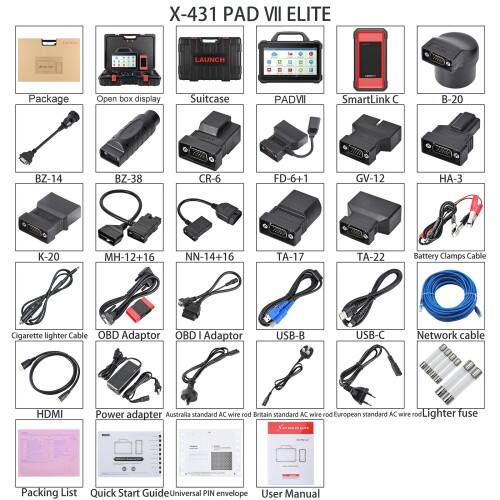
Packing List
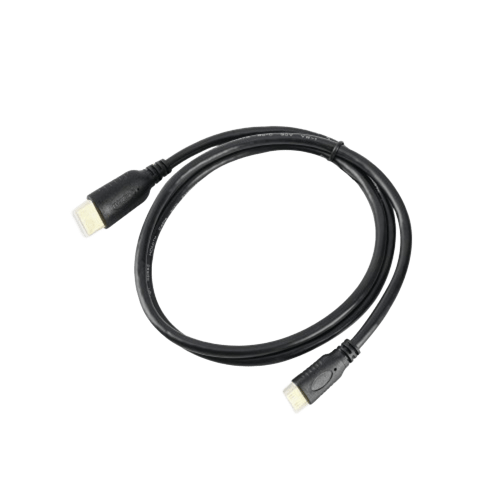
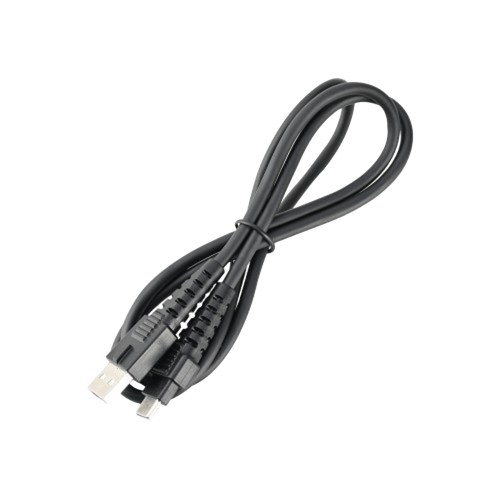
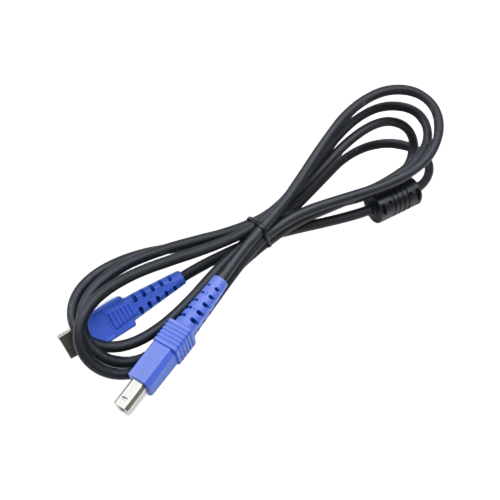
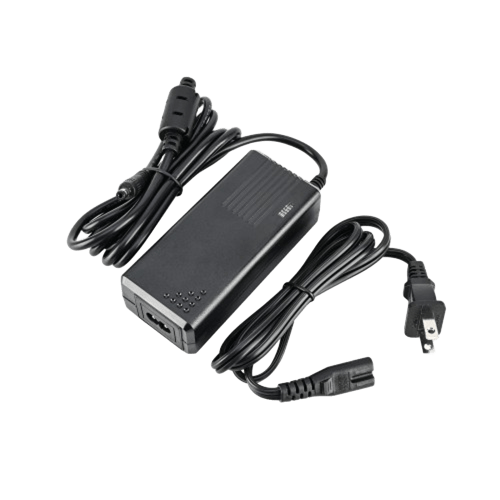
1pc x PAD Ⅶ Elite
1pc x smartlink
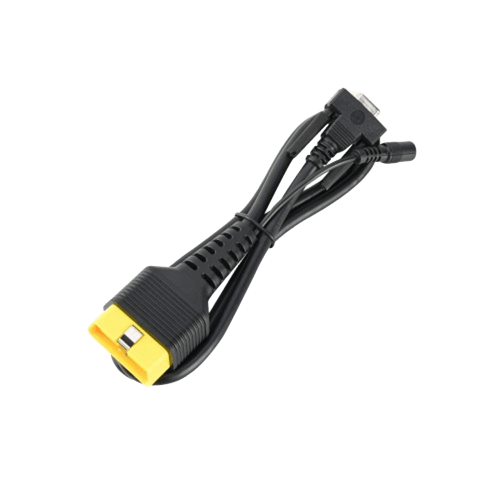
1pc x main cable
1pc x HDMI
1pc x USB-C
1pc x US power adapter
1pc x OBD2 16-pin adapter
1pc x UK power adapter
1pc x Australia power adapter
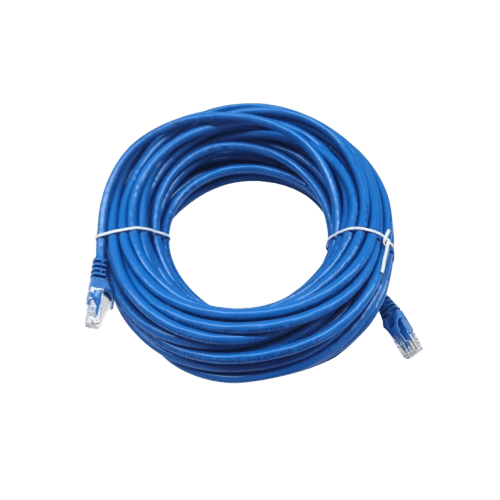
1pc x net cable
1pc x USB printer cable
1pc x quick start guide
1pc x product S/N
1pc x packing list
3pcs x software list
1pc x manual
1pc x carton
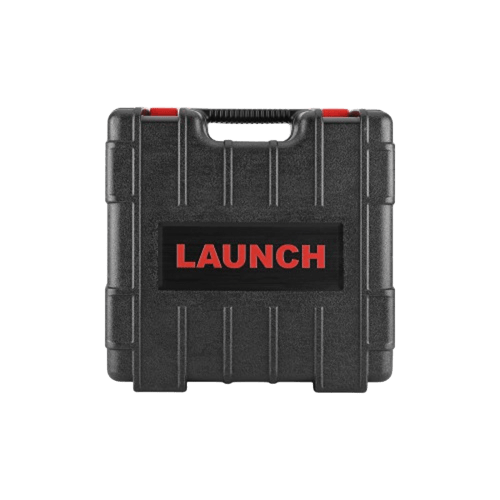
1pc x plastic box
1pc-Non16 Pin Adapter Box
1set x CRP123X

Better go for PAD VII. It is an unexpected high-end diagnostic tool.It has 8-core 2.0 GHz CPU, 8GB & 256 GB memory, 13.3 inch screen, 1920x1080 screen resolution, 8.0 MP front camera & 13.0 MP rear camera, 7.6V, 9360mAH battery,and supports Wi-Fi/Bluetooth/USB.It has the largest memory and screen size.It supports Online Programming for More brands: Mercedes Benz, BMW, Mini Cooper, VW, Audi, Skoda, Seat, Ford, Mazda, Jaguar, LandRover, Nissan, Porsche, Subaru, Renault, Hyundai, Kia, Great Wall, etc.(Currently, only X431 PAD V, PAD VII, and PRO5 can support online programming, but PRO5 only supports Benz and BMW.)It can work with all add-on modules and supports European SGW Function License and X431 FIX (HaynesPro) European Database License.(Currently, only X431 PAD V, PAD VII, and PRO5 can support these software licenses)It also can support Topology mapping, new Graphical UI for DPF REGEN, and ECU clone.
Launch X431 Pros Mini vs Pros V vs X431 V+ vs Pro5 vs PAD III vs PAD VII
| ITEMS | X431 Pros mini | X431 Pros V | X431 V+ | X431 Pro5 | X431 PAD III | X431 PAD VII | Note | |
| Hardware Configurations | CPU | 4-Core 1.3GHz | 4-Core 2.0GHz | 8-Core 1.8GHz | 2.0GHz 4-core processor | 8-Core 2.0GHz | 8-Core 2.0GHz | |
| RAM | 2G | 3G | 3G | 4G | 2G | 8G | ||
| ROM | 32G | 32G | 32G | 64G | 64G | 256G | ||
| battery capacity | 4680mAh/3.8V | 5000mAh/3.8V | 7000mAh/3.8V | 7000mAh/3.8v | 15000mAh/3.7V | 71440mWh/7.6V | ||
| Android version | Android 7.0 | Android 9.0 | Android 9.0 | Android 10.0 | Android 5.1.1 | Android 9.0 | ||
| Screen size | 7 inch | 8 inch | 10.1 inch | 10.1inch | 10.1inch | 13.3inch | ||
| Screen resolution | 1024x600 | 1280x800 | 1920x1200 | 1280x800 | 1920x1200 | 1920x1080 | ||
| Wi-Fi | 2.4 GHz | 2.4 & 5 GHz | 2.4 & 5 GHz | 2.4 & 5 GHz | 2.4 GHz | 2.4 & 5 GHz | ||
| camera | Rear 5.0 MP |
Rear 5.0 MP/ Front 2.0 MP | Rear 8.0 MP/ Front 5.0 MP | Rear 8.0 MP/ Front 5.0 MP | Rear 8.0 MP/ Front 2.0 MP | Rear 13.0 MP/ Front 8.0 MP | ||
| Weight | 0.64kg(1.41lb) | |||||||
| Communication | VCI/Bluetooth | VCI/Bluetooth | VCI/Bluetooth | VCI/Bluetooth | VCI/Bluetooth | VCI/Bluetooth | ||
| Main Features | Basic Functions (Read & Clear the codes and data stream) |
√ | √ | √ | √ | √ | √ | |
| Service Functions | 12 | 16 | 21 | 21 | 22 | 33 | ||
| Full-System Diagnostic | √ | √ | √ | √ | √ | √ | ||
| Active Test | √ | √ | √ | √ | √ | √ | ||
| Auto VIN | √ | √ | √ | √ | √ | √ | ||
| SCAN VIN/License | √ | √ | √ | √ | √ | √ | Camera recognizes VIN or license plate | |
| Remote Desk | √ | √ | √ | √ | √ | √ | ||
| Diagnostic Topology Display | X | X | X | √ | √ | √ | ||
| Online Programming | Benz | X | X | X | √ | √ | √ | |
| BMW | X | X | X | √ | √ | √ | ||
| VW, Audi, Skoda, SEAT | X | X | X | X | √ | √ | ||
| Porsche | X | X | X | X | √ | √ | ||
| Land Rover | X | X | X | X | √ | √ | ||
| Jaguar | X | X | X | X | √ | √ | ||
| Renault | X | X | X | X | √ | √ | ||
| Nissan | X | X | X | X | √ | √ | ||
| Subaru | X | X | X | X | √ | √ | ||
| Infiniti | X | X | X | X | √ | √ | ||
| Hyundai | X | X | X | X | √ | √ | ||
| Kia | X | X | X | X | √ | √ | ||
| Online Parameterization |
VW | X | X | X | X | √ | √ | |
| Audi | X | X | X | X | √ | √ | ||
| Online Coding | Benz (SCN) |
X | X | X | √ | √ | √ | |
| BMW | √ | √ | √ | √ | √ | √ | ||
| VW, Audi, Skoda, SEAT | √ | √ | √ | √ | √ | √ | ||
| Porsche | √ | √ | √ | √ | √ | √ | ||
| Renault | X | X | X | X | √ | √ | ||
| Online FFS Activation | VW, Audi | X | X | X | √ | √ | √ | Radar module replacement and clear the fault code B203200-identification function not activated |
| Online Calibration & Matching | VW, Audi | X | X | X | √ | √ | √ | Online coding & matching is for airbag module, which can only be coded once |
| Guided Function |
VW, Audi, Skoda | X | Need to purchase seperately | √ | √ | √ | √ | |
| Offline Programming |
Ford | √ | √ | √ | √ | √ | √ | |
| Mazda | √ | √ | √ | √ | √ | √ | ||
| Vauxhall | √ | √ | √ | √ | √ | √ | ||
| Opel | √ | √ | √ | √ | √ | √ | ||
| Flash Hidden Function | Benz | √ | √ | √ | √ | √ | √ | |
| BMW | √ | √ | √ | √ | √ | √ | ||
| VW, Audi, Skoda, SEAT | √ | √ | √ | √ | √ | √ | ||
| Porsche | √ | √ | √ | √ | √ | √ | ||
| Jeep | √ | √ | √ | √ | √ | √ | ||
| Dodge | √ | √ | √ | √ | √ | √ | ||
| Chrysler | √ | √ | √ | √ | √ | √ | ||
| Toyota | √ | √ | √ | √ | √ | √ | ||
| Honda | √ | √ | √ | √ | √ | √ | ||
| Repair Data | Benz | X | X | X | X | X | √ | The fault code guidance provides you the components location, pin diagram, special functions, active test and date stream (current value & standard value) based on the stored fault codes. |
| BMW | X | X | X | X | X | √ | ||
| VW, Audi | X | X | X | X | X | √ | ||
| Porsche(11-) | X | X | X | X | X | √ | ||
| Add-on Tools | Diesel vehicle diagnosis(HD) | X | X | √ (Purchase HD III module ) | √ (Purchase HD kit and license) | √ (Purchase HD kit and license) | √ (Purchase HD kit and license) | HD software, OBD special adapters are optional accessories |
| ADAS | √ | √ | √ | √ | √ | √ | ||
| TPMS(TSGUN) | X | X | X | X | √ | √ | ||
| X-PROG 3 | X | √ | √ | √ | √ | √ | No need to bind or activate, the software has built-in version update. The X-PROG3 is required. | |
| battery Tester | √ | √ | √ | √ | √ | √ | ||
| oscilloscope | X | X | X | X | X | √ | ||
| endoscope | X | √ | √ | √ | √ | √ | ||
| Protocols Supported |
Diagnostic Protocols: D-PDU/J2534/RP1210 |
X | X | X | √ | X | √ | |
| Bus Protocols: DoIP/CAN FD |
X | X | X | √ | X | √ | ||
| Subscription Fee | Tesla | √ (Purchase in the Mall) |
√ (Purchase in the Mall) |
√ (Purchase in the Mall) |
√ (Purchase in the Mall) |
√ (Purchase in the Mall) |
√ (Purchase in the Mall) |
Activation Fee $599 |
| FCA Secure Gateway |
Purchase license in Mall Purchase subscription from Autoauth |
√ | √ | √ | √ | √ | Third-Party Platform | |
| Upgrade Fee (End User) | 2 Years Free Update | 2 Years Free Update | 2 Years Free Update | 2 Years Free Update | 1 Years Free Update | 2 Years Free Update | ||
| Languages | Software Languages | 24 Languages English, French, Spanish, Portuguese, Italian, Russian, German, Polish, Romanian, Dutch, Arabic, Czech, Danish, Greek, Persian, Finnish, Hungarian, Swedish, Turkish, Serbian, Simplified Chinese, Traditional Chinese, Japanese, Korean |
24 Languages English, French, Spanish, Portuguese, Italian, Russian, German, Polish, Romanian, Dutch, Arabic, Czech, Danish, Greek, Persian, Finnish, Hungarian, Swedish, Turkish, Serbian, Simplified Chinese, Traditional Chinese, Japanese, Korean |
24 Languages English, French, Spanish, Portuguese, Italian, Russian, German, Polish, Romanian, Dutch, Arabic, Czech, Danish, Greek, Persian, Finnish, Hungarian, Swedish, Turkish, Serbian, Simplified Chinese, Traditional Chinese, Japanese, Korean |
24 Languages English, French, Spanish, Portuguese, Italian, Russian, German, Polish, Romanian, Dutch, Arabic, Czech, Danish, Greek, Persian, Finnish, Hungarian, Swedish, Turkish, Serbian, Simplified Chinese, Traditional Chinese, Japanese, Korean |
24 Languages Simplified Chinese, Traditional Chinese, English, Japanese, Korean, French,Spanish, Portuguese, Italian, Russian, German, Polish, Romanian, Dutch,Arabic, Czech, Danish, Greek, Persian, Finnish, Hungarian, Swedish, Turkish,Serbian |
24 Languages English, French, Spanish, Portuguese, Italian, Russian, German, Polish, Romanian, Dutch, Arabic, Czech, Danish, Greek, Persian, Finnish, Hungarian, Swedish, Turkish, Serbian, Simplified Chinese, Traditional Chinese, Japanese, Korean |
|
| User Manual Languages | English | English | English | English | English | English |
Launch X431 Smart Link C vs Smart Link B
|
Parameters |
SmartLink C |
SmartLink B |
|
Display Screen |
3.97-Inch single-touch screen, 320*480 |
3.97-Inch single-touch screen, 320*480 |
|
Working Voltage |
DC 9V ~ 36V |
DC 9V ~ 36V |
|
Remote Communication |
Ethernet/WIFI |
Ethernet |
|
Wi-Fi |
5G WIFI |
- |
|
USB |
Type B USB 2.0 |
Type B USB 2.0 |
|
Storage |
8GB |
8GB |
|
Memory |
256M |
256M |
|
Power Consumption |
< 6W |
< 6W |
|
Working Temperature |
-10℃ ~ 50℃ |
-10℃ ~ 50℃ |
|
Storage Temperature |
-20℃ ~ 60℃ |
-20℃ ~ 60℃ |
|
Storage Humidity |
10%~90% |
10%~90% |
|
Dimension (length*width*height) |
204mm x 110mm x 45mm |
204mm x 110mm x 45mm |

 EN
EN