 weight:
1.55kg
weight:
1.55kg
 package:
34cm*28cm*9cm
package:
34cm*28cm*9cm
1: Language: English, Chinese, Spanish, Polish.
2: Password Calculation: Reading the EIS under OBD mode will check the car's power automatically. Avoid lost data in EIS.
Supports Benz key, reading password, and prepare new key via IR.
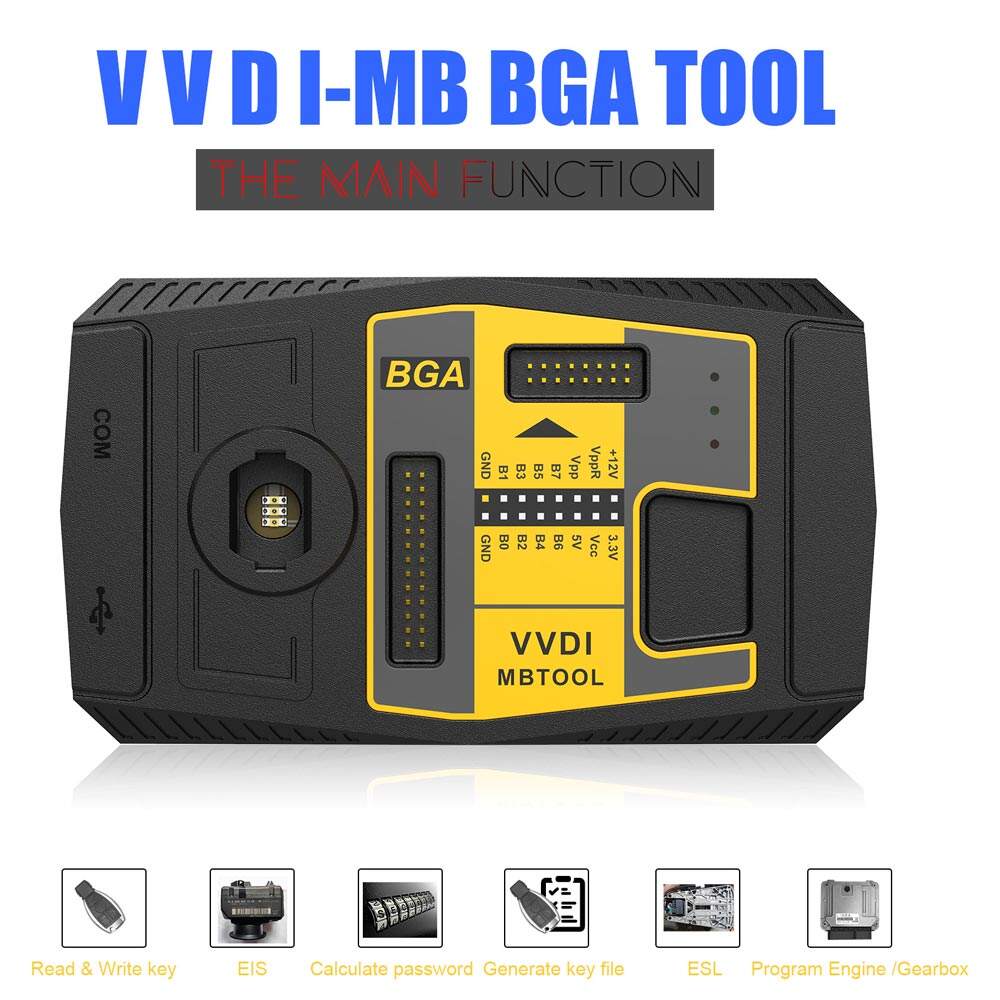
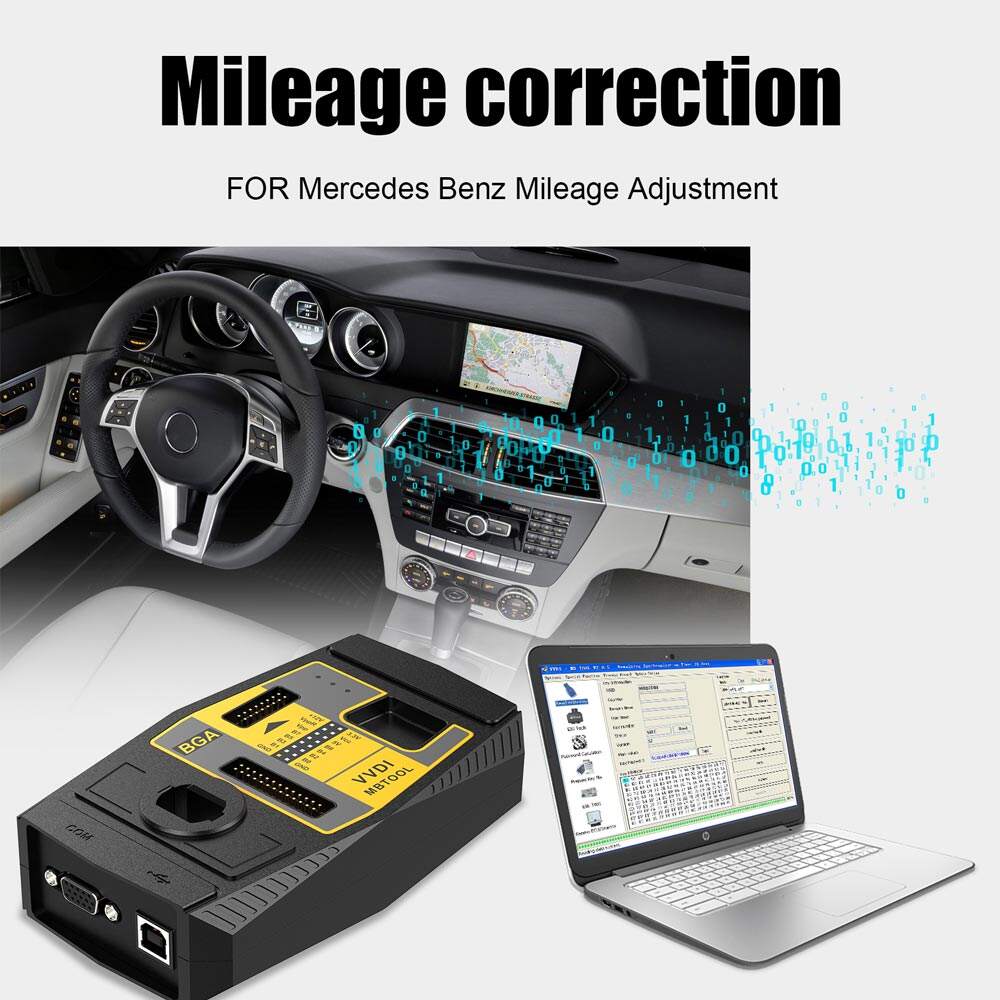
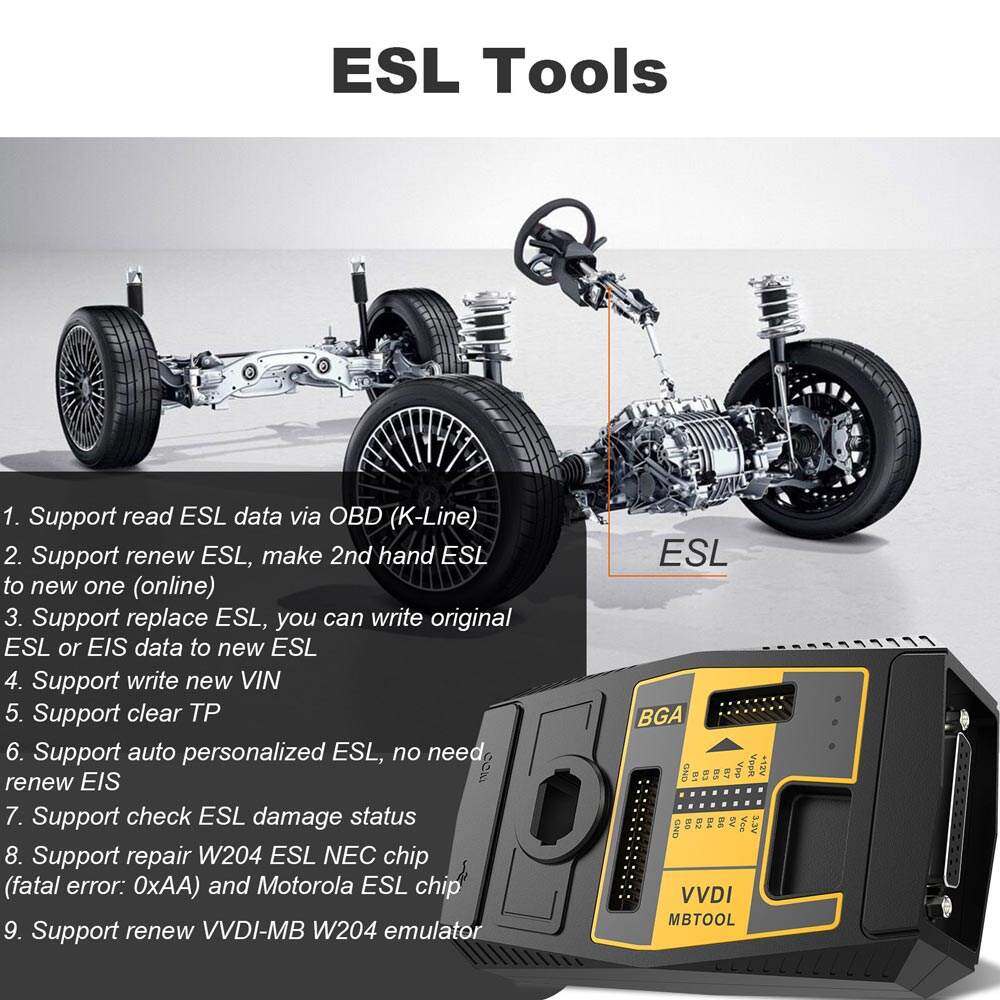
Mainly used for key reading and writing, EIS tools, password calculation, key file preparation, ESL tools, ECU/Gearbox renewal, and many special functions.
Model: SK185
Shipment Period: 1-7 days
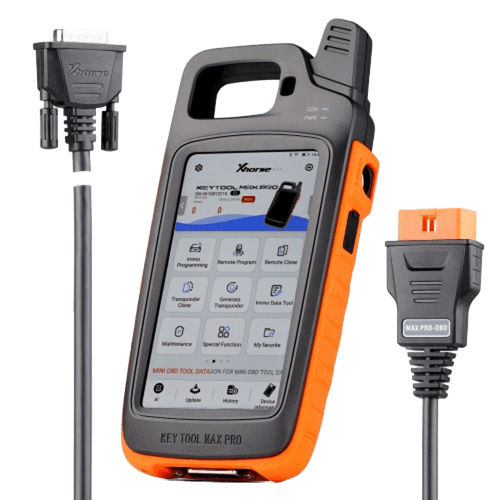
Original Xhorse VVDI MB BGA Tool Benz Key Programmer Including BGA Calculator
Latest Version: V5.1.6
Require Firmware: V5.0.1
Language: English, Chinese, Spanish, Polish
Password Calculation: Reading the EIS under OBD mode will check the car's power automatically. Avoid lost data in EIS.
VVDI MB TOOL Function:
1. Supports BE key, read password and prepare new key via IR.
2. NEC V051,V057 support on board get paaword
3. All NEC keys support on-board write and erase
4. Password calculate:support BGA keys,NEC keys(include 51,57version)etc.,work fast.
5. Support renew EIS and ELV
6. Support writing EIS and ELV
7. Support online to generate a key file
8. Unlock ELV function
Note: VVDI MB BGA tool update goes well, the following workable models are for reference only.
Supported IR/OBD Model:
W164, W164 2009+
A166, W197,W212, W218, A246
A169, W209, W211
W172, W204, A207
W203
W204, W207, W212 only by dump
W209 only by dump
W210
W215, W220
W230
W216
W221
W906
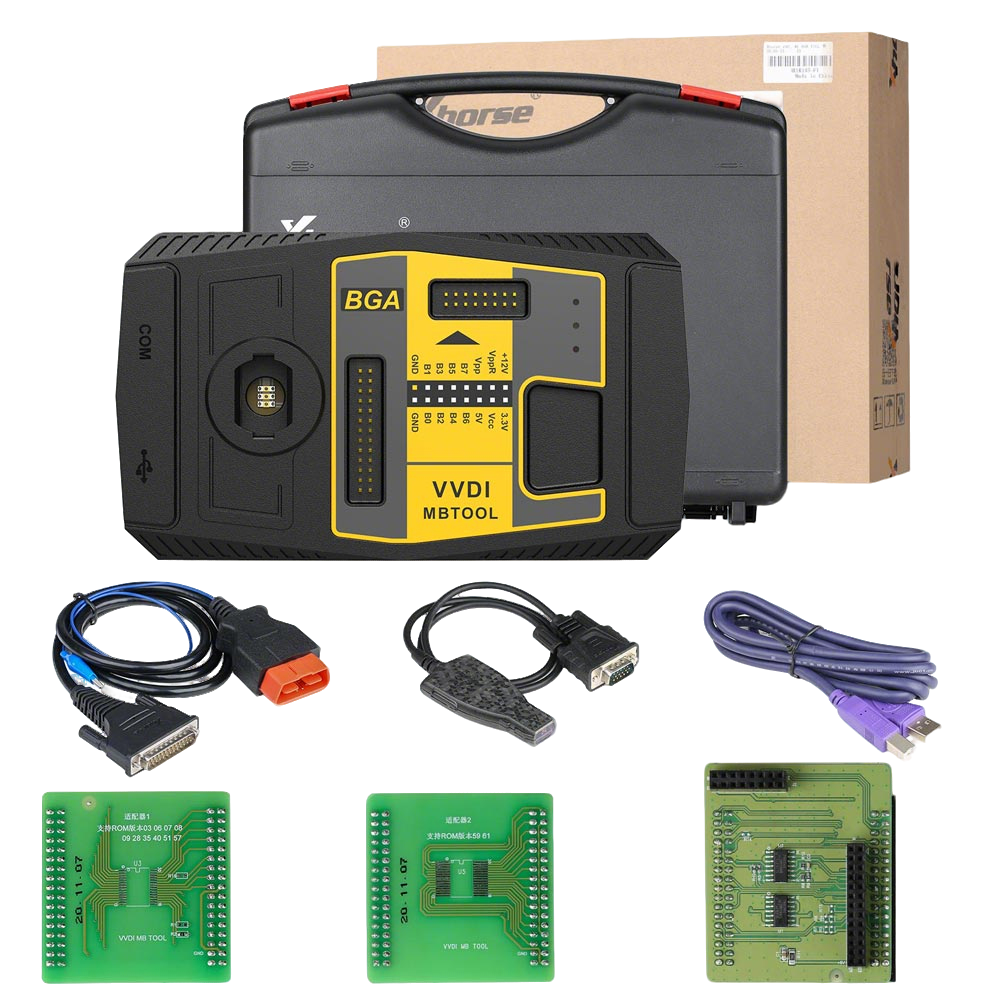
VVDI MB TOOL Packing list:
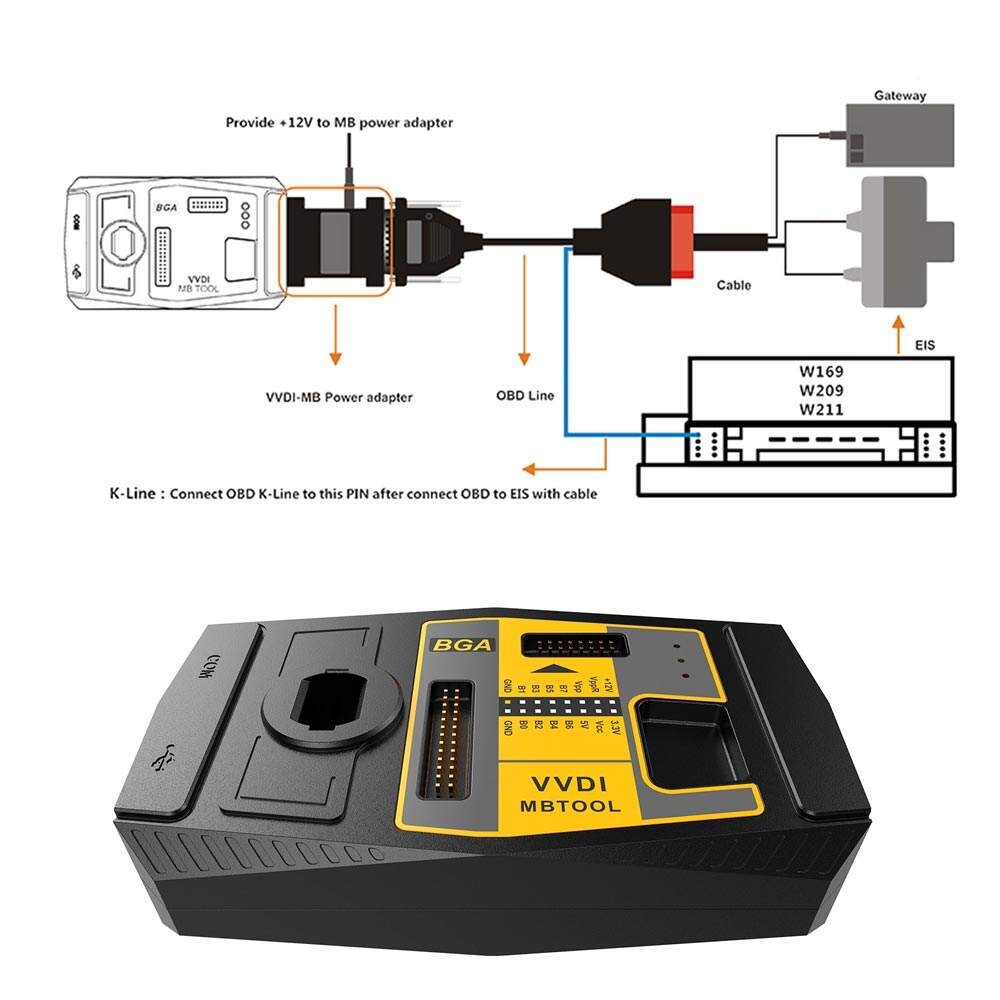
1. VVDI-MB TOOL device
2. IR adaptor
3. USB cable
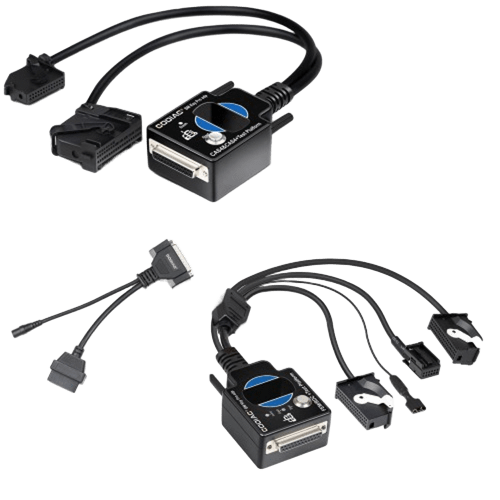
4. NEC adaptor 1
5. NEC adaptor 2
6. NEC adaptor base PCB
7. K Line in the OBD line
8. OBD line
Keys Version Supported:
v03, v06, v08,v05, v07, v09,v59,v61
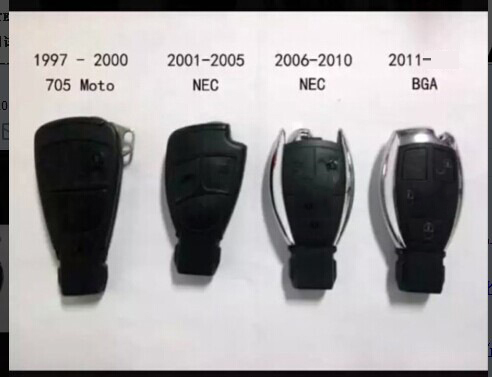
Supports all BENZ KEYS after 2011
How to combine Xhorse VVDI 2 and VVDI MB TOOL to your account?
1. Run Xhorse upgrade kit.
2. Connect your Xhore device to PC via USB cable.
3. Read device, select "Binding."
4. You will get QR code automatically.
5. Login Xhorse APP, enter "Account "-"Combine device."
6. Scan the QR code to combine with your account.

8 position keys with different format
if you get password successfully,even other device get still support prepare key file on VVDI MB TOOL
If you get password successfully,even other device get still support prepare key file on VVDI MB TOOL
only online calculation for getting key password need tokens,other functions all free.such as get erase password, renew ECU/ISM/Gearbox.
Vvdi mb can read and write key via IR mode, but not full contents of EIS eeprom
Read Write Key support read key basic information, write key file, renew/write NEC key(Support Keyless Go). BE keys can read password directly via IR, renew BE key, write new key file to BE key
NEC adaptor support v51, v57 key password
CAN line EIS support online calculation directly,if K line with motorola EIS type support load eeprom to prepare key file(read by other programmer); online calculation cannot support K line EIS,exactly support list refer to User Manual please
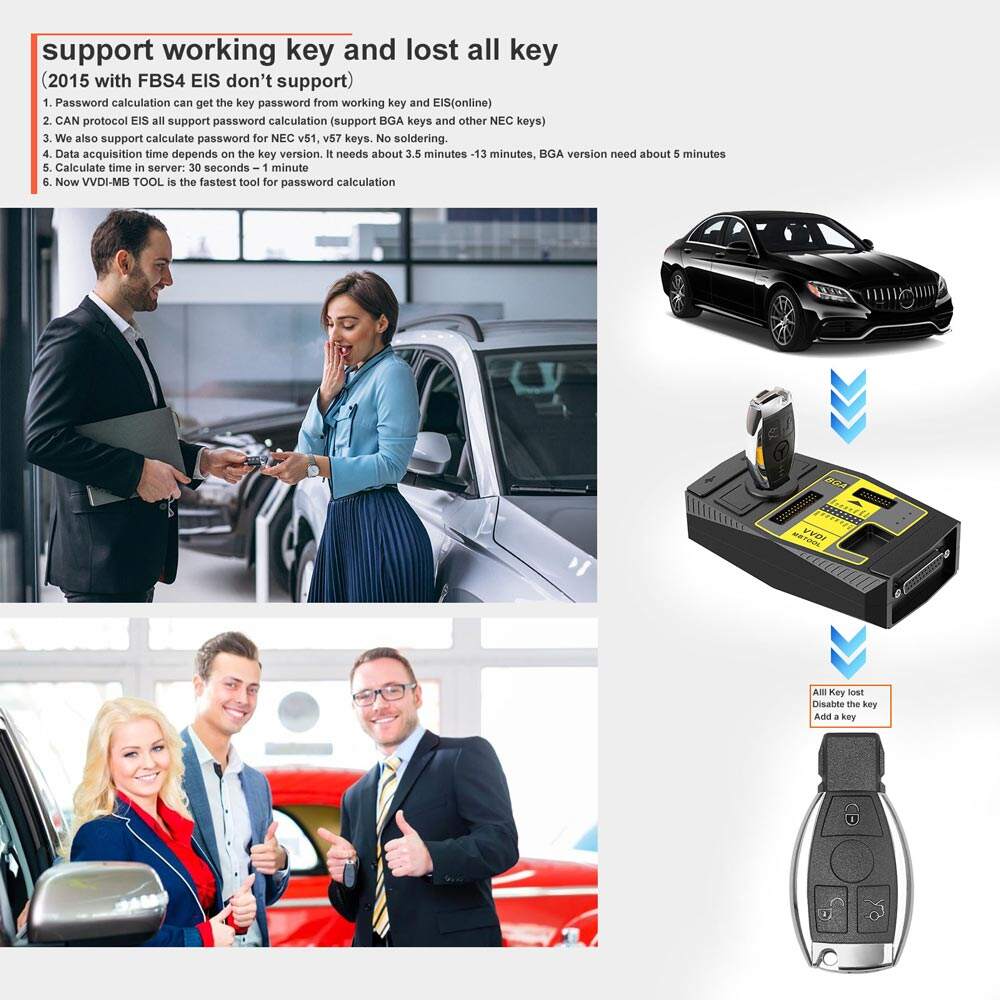
Password calculation support working key mode and lost all key mode.
After successfully add tokens, start your vvdi mb software, and click on “Password Calculation”. The token number will be displayed.
Now,it shows 0 times for calculation.If successfully add,it will display the tokens you pay.
Free tokens only for those with Condor key cutting machines (condor xc 007, xc-mini, xc-200)
Note: For users with Condor machine, everyday you can get one free token for calculating password.
Tokens will be deducted for each calculation.

 EN
EN